

The game by default has dodge set to double tap, this is bad. This guide will show you how to change this to a single tap.
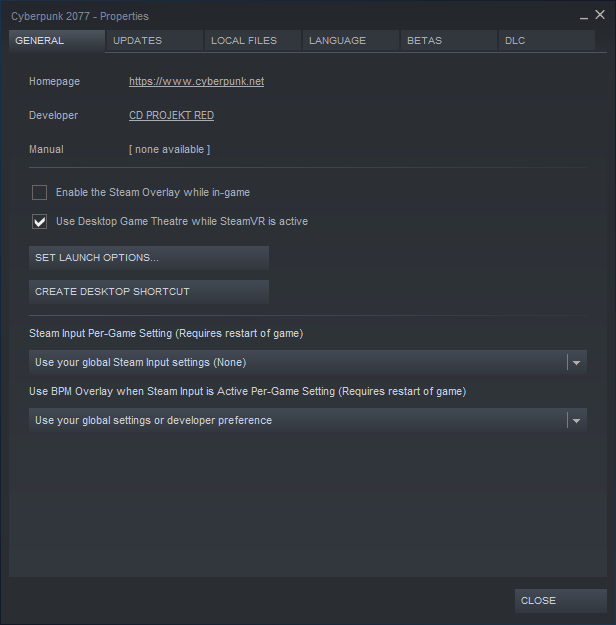
Then click [Properties]
After navigate to the [Local Files] tab
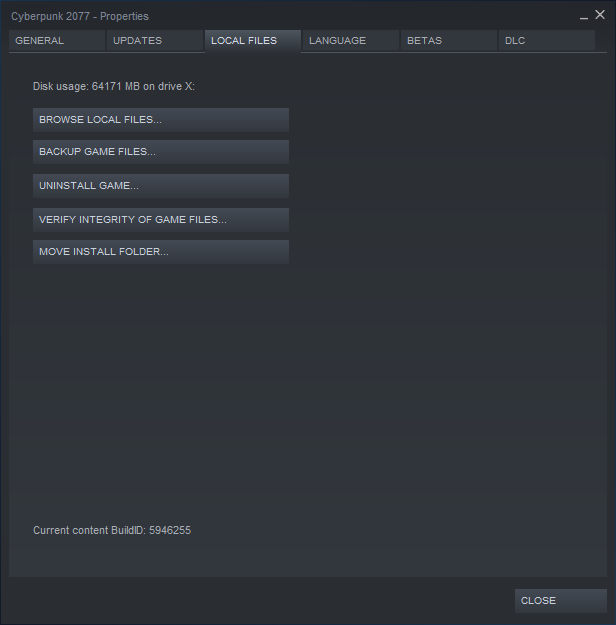
Then click [Browse Local Files]
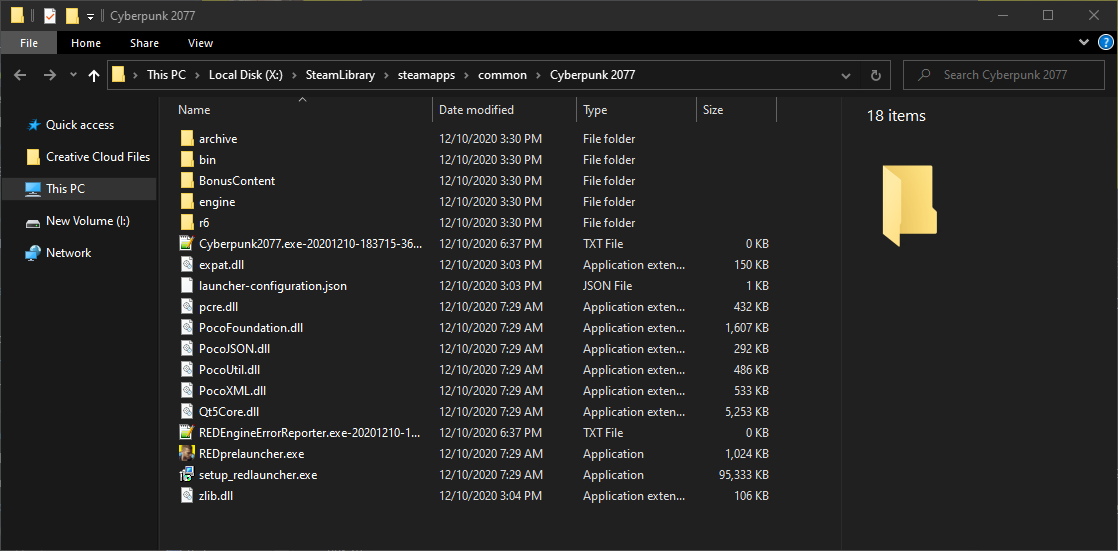
This is your installation folder
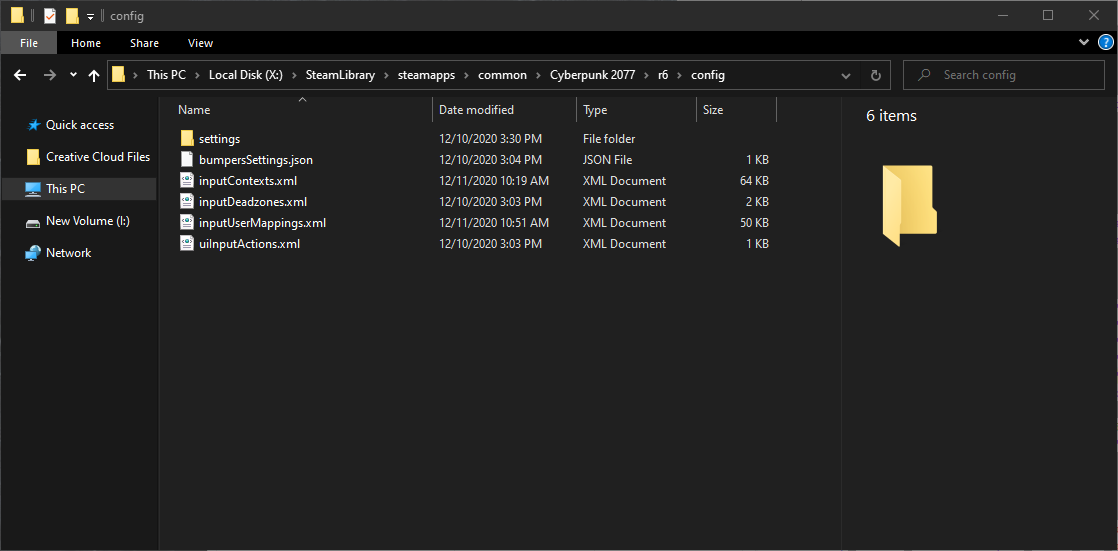
While its not necessary you should probably use a text editor other than windows default. I will be using notepad++ in this guide.
Right click the inputContexts.xml file and then click either edit or edit with “text editor program”.
The file should open like any normal text document
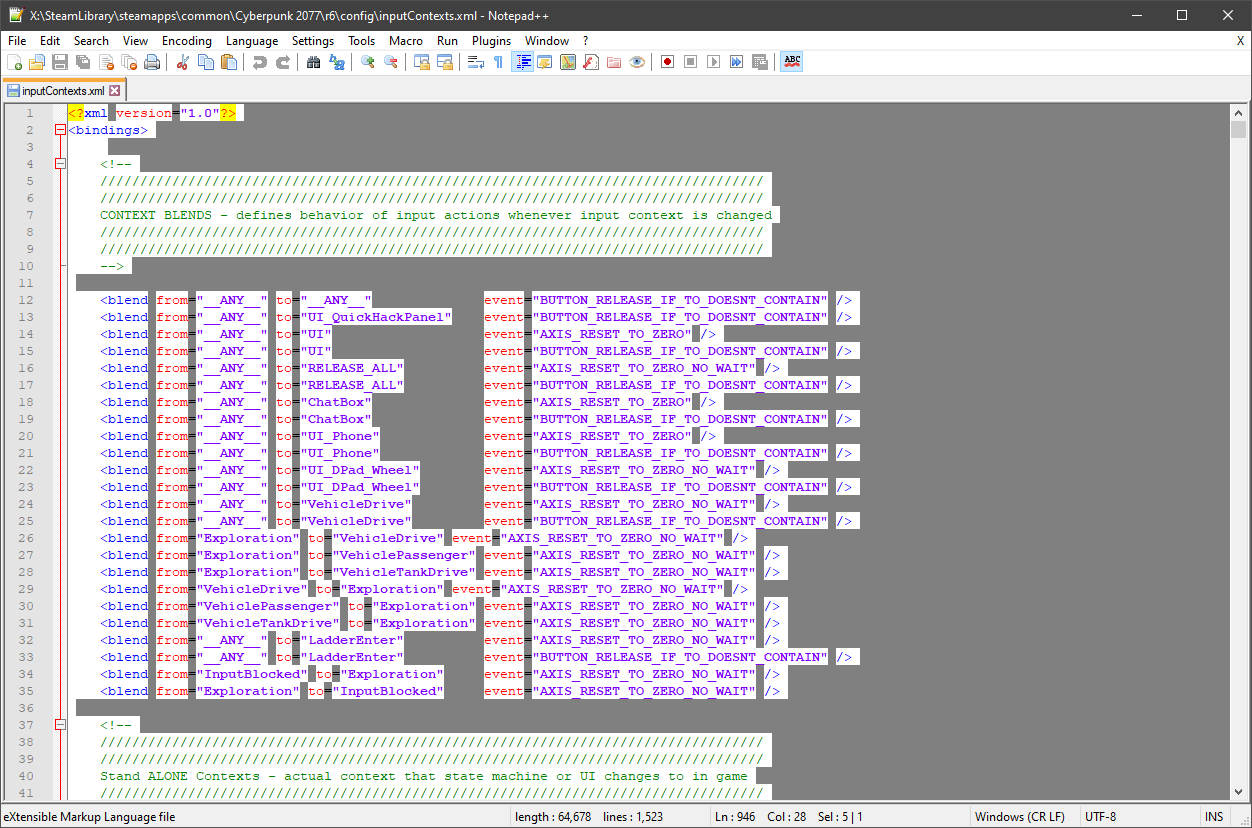
Now search for “dodge”
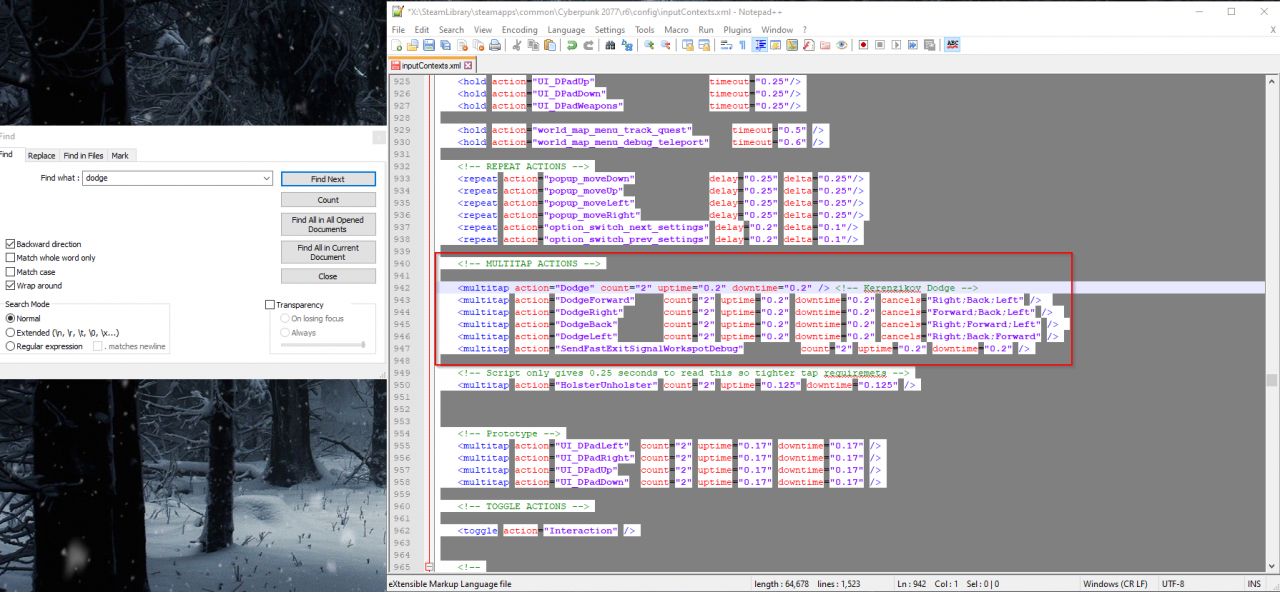
You should be brought to this section
Now there will be a dodge line and lines for dodging in every direction, you probably only want to change the dodge line.
Change the count from 2 to 1 on this line only
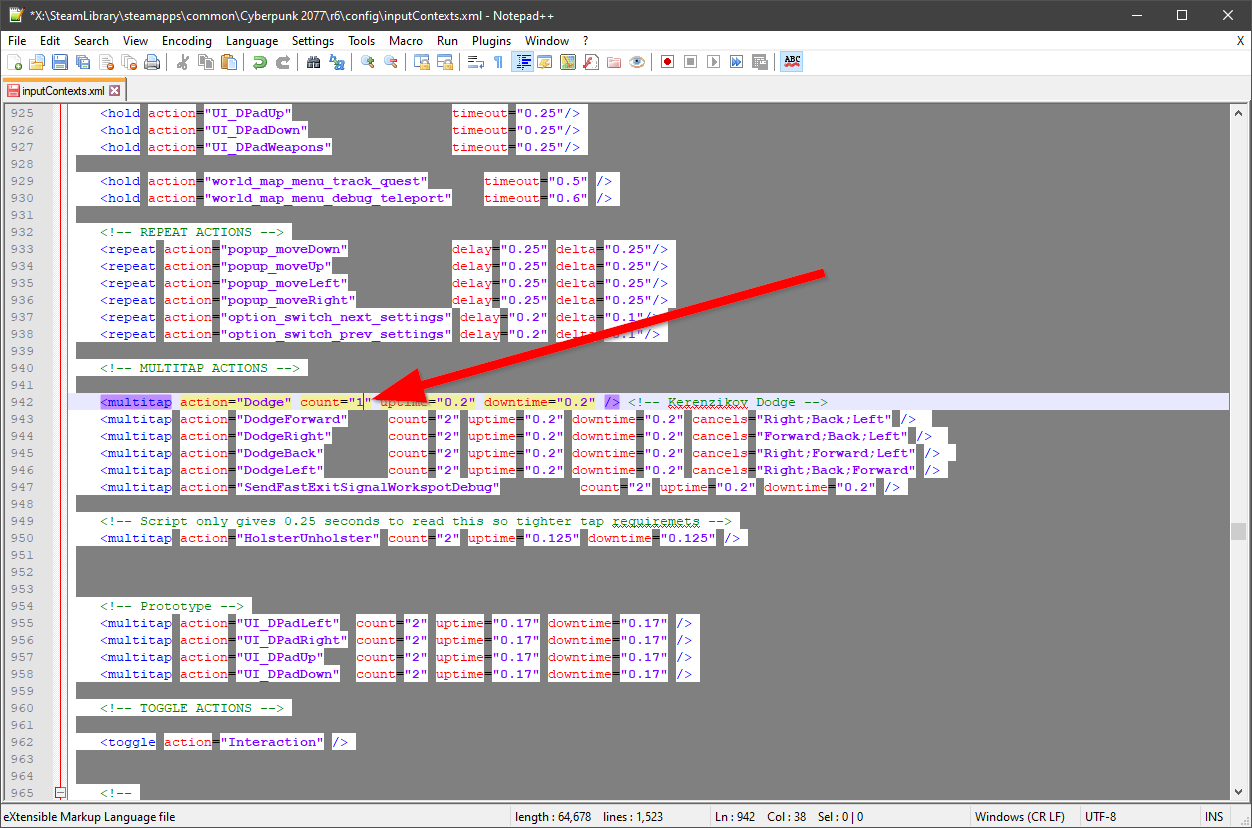
Now that you have changed the value save the document and close it
