

This guide will show you how to get the gmod faceposing effect in SFM
https://steamcommunity.com/groups/CrowbarTool
http://steamreview.org/BlenderSourceTools/
Here’s the link for blender if you don’t have it:
https://www.blender.org/
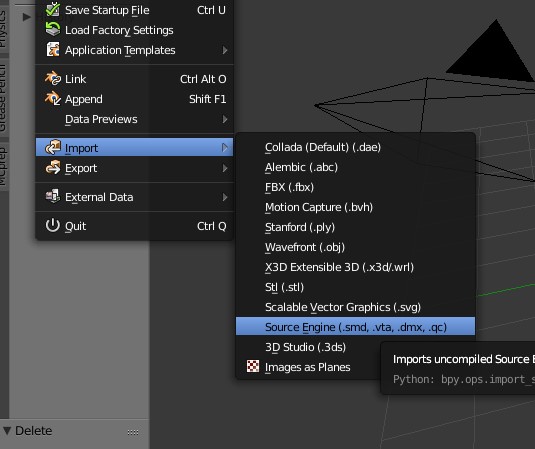
Go to where you decompiled your model and open up the qc file
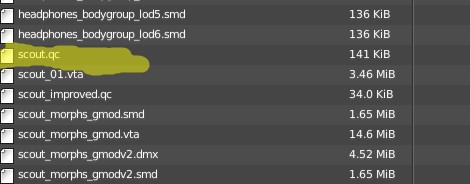
You should end up with something like this
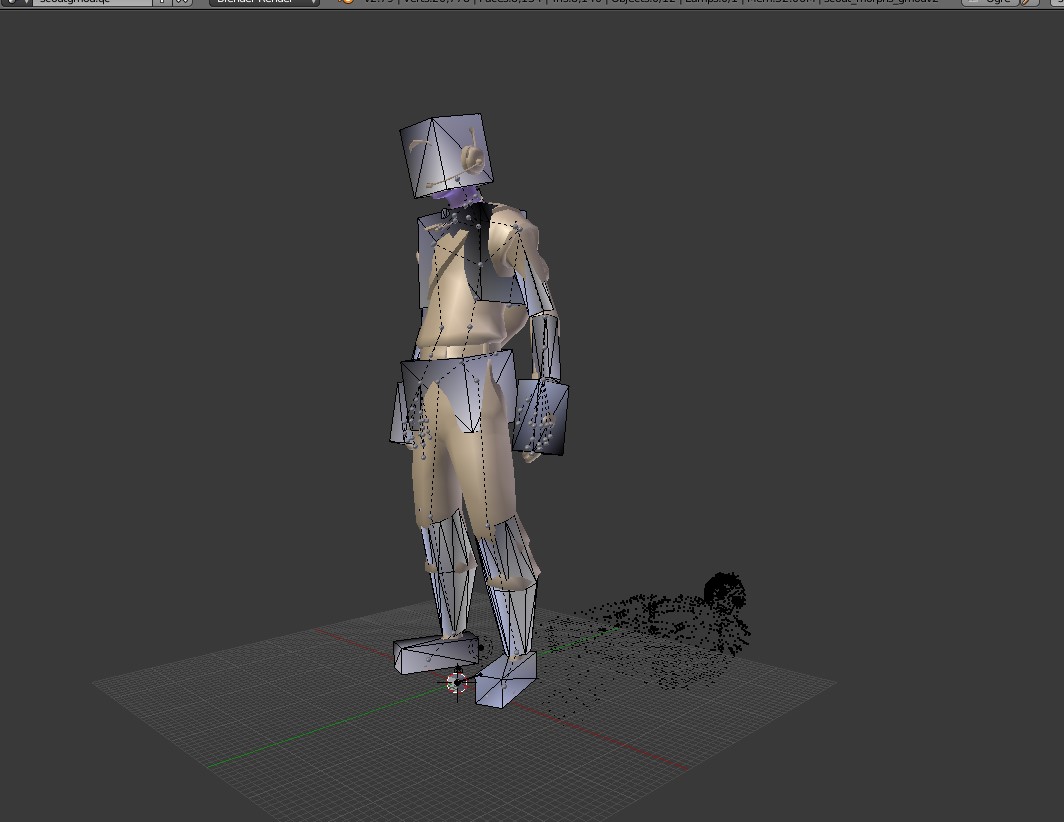

Go to the object data tab and delete every model that has lod in the name and the collision model
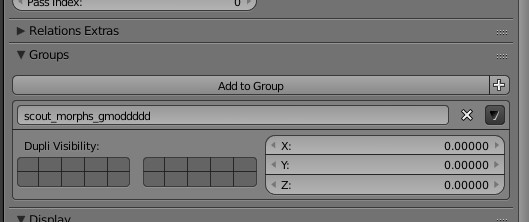
Once you find the main model with facial animation go to the object tab and name it’s group something different
If there is no group then just rename the object
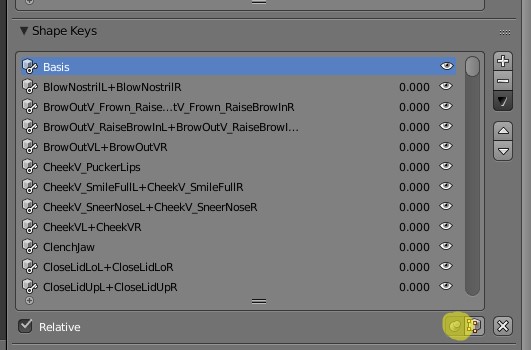
Click the pin to unlock the shape keys
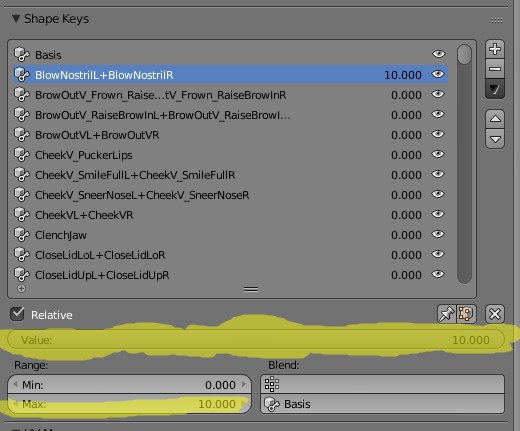
Select a shape key, set the max to 10 and Crank the value up as far as it goes
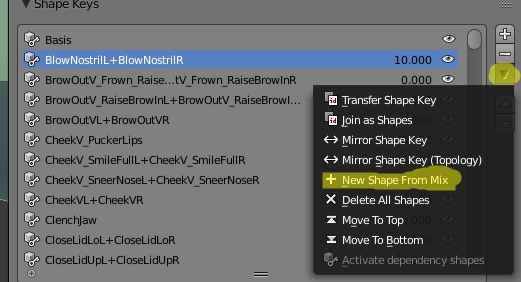
Then click the black arrow and select the New shape from mix option
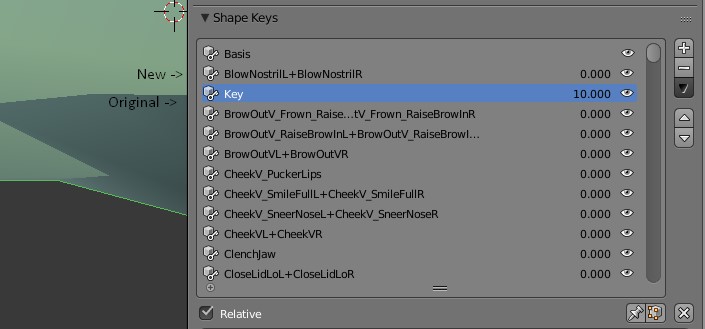
You should end up with a shape key that has a number at the end
Use the white arrow buttons on the side to move it next to where the original was
Cut the original name with CTRL + X, double click the new one, press CTRL + A, and paste
Delete the old one and move on to the next one
You have to repeat this for every shape key your model has
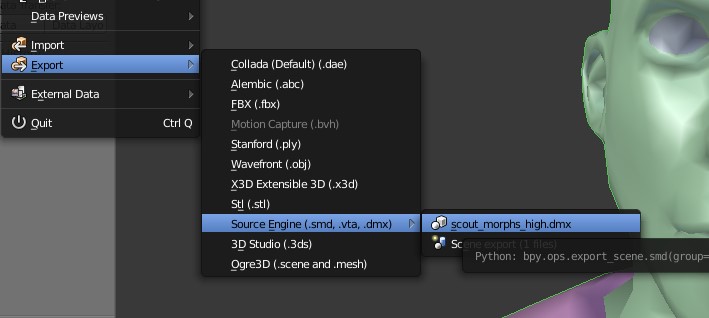
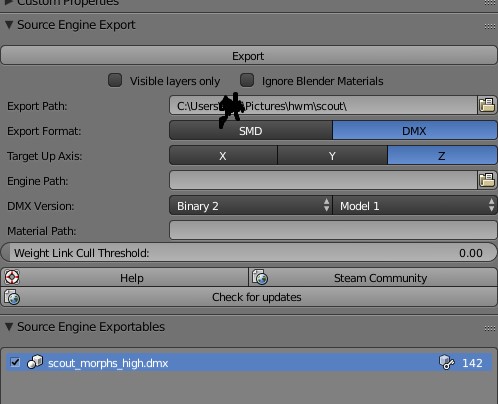
Give it a name

Go to the section that has all of this
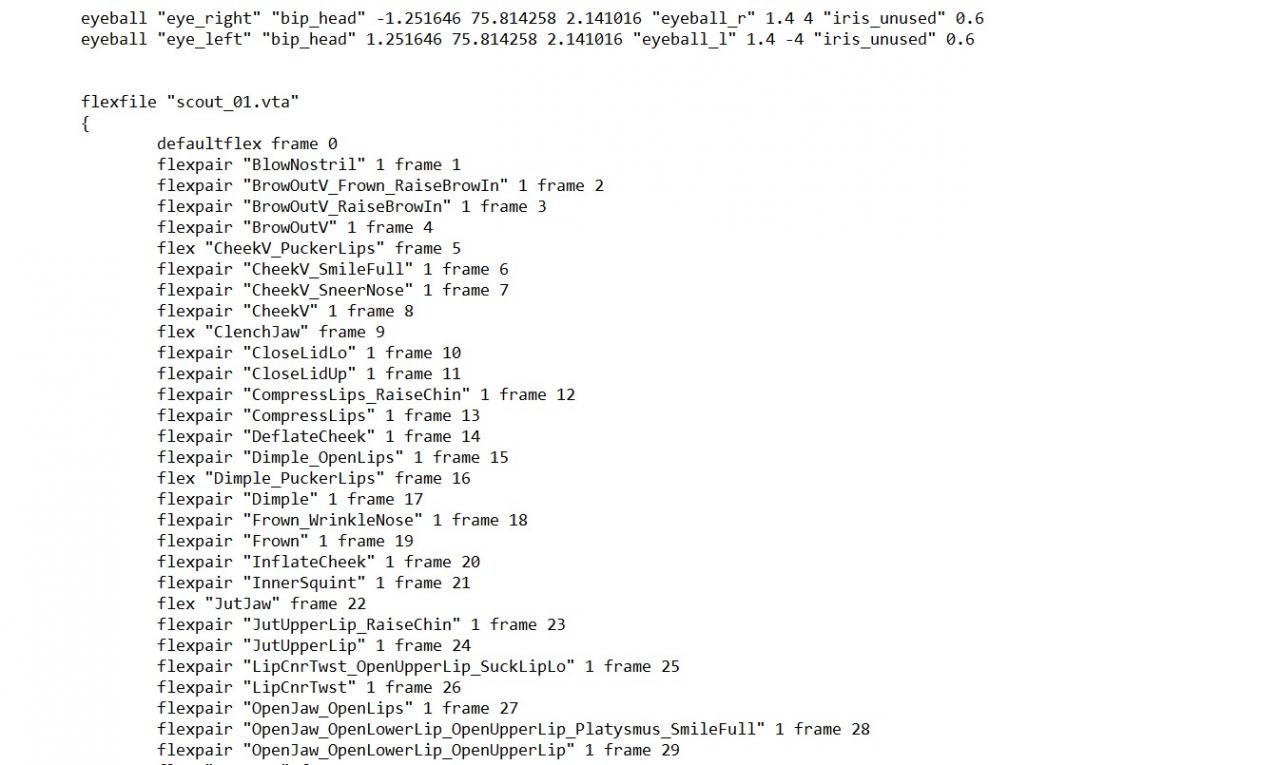
Update the name file you saved your model as

Delete everything in the section related to facial animation
It could look something like this

Make it go where you want it to go and click compile
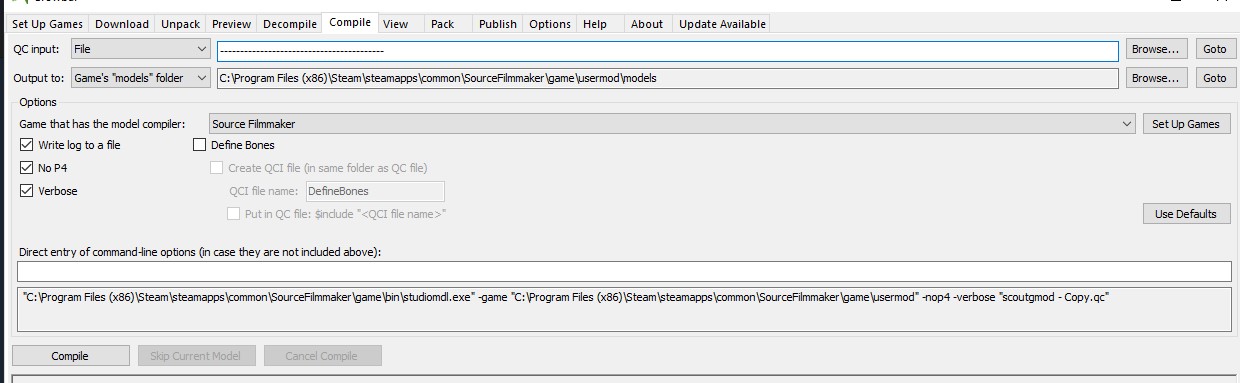
And you’re done! All you have to do is boot up SFM and see if it works!
