
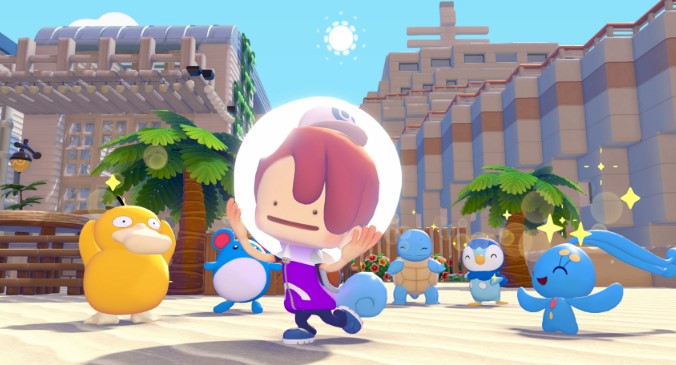
Portal Pods are one of those items you normally grind toward through Pallet Town progression, but the version 2.0 update quietly added a faster route. If you own the Bubbly Basin DLC, you can grab two Portal Pods within minutes of spawning — no recipe unlocks, no story progress, no hassle. Here’s exactly how.
Skip Pallet Town, Get Portal Pods Now
The standard path to Portal Pods requires working through Pallet Town’s recipe chain, which takes time and locks the item behind main progression. The Bubbly Basin DLC bypasses all of that. Two Portal Pods are sitting in a hidden underwater house, and once you have them, a 3D printing trick lets you mass-produce as many as you need.
Before starting, confirm two things:
- Bubbly Basin DLC is installed
- You can access the rebuilt Pokémon Center (required for the 3D printer method)
That’s it. No level requirements, no story flags, no prerequisites beyond the DLC itself.
Method 1: Swim, Dive, and Grab
The entire run takes roughly five minutes if you know where to go. Here’s the step-by-step.
- Spawn at the gate. Your starting point in Bubbly Basin is the gate spawn. From here, come above water — it’s much easier to navigate by sight than swimming blind.
- Pass the ornate building. You’ll see a decorated structure ahead. Swim past it and aim for the small island directly behind it.
- Dive at the island. The island itself is a marker; the real target is below. Drop beneath the surface and you’ll find a house tucked underwater.
- Enter the house. Go inside and grab the first Portal Pod. It’s sitting in plain sight.
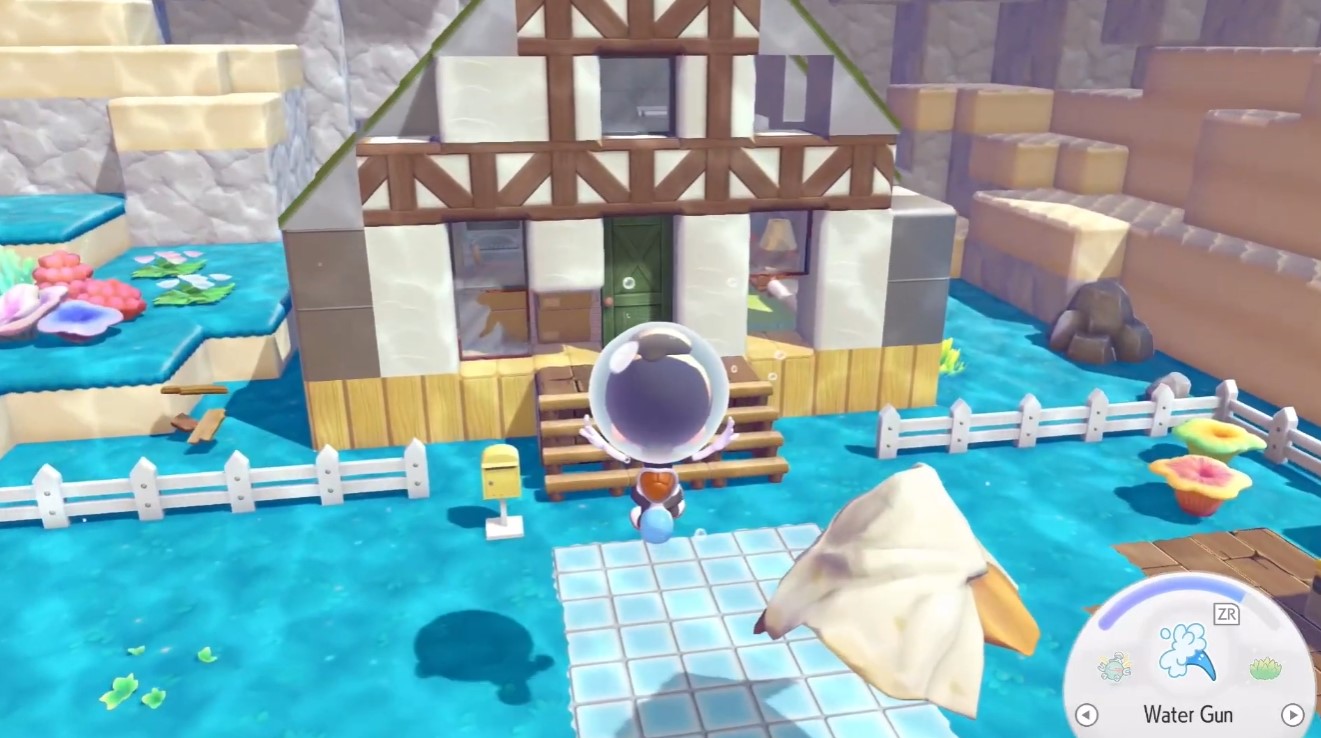
- Place it, then pick it up. The pickup mechanic here is picky. Set the Pod down first, then try to collect it. If the game won’t let you, destroy it — destroying it does not break the item, and you can pick it up afterward.
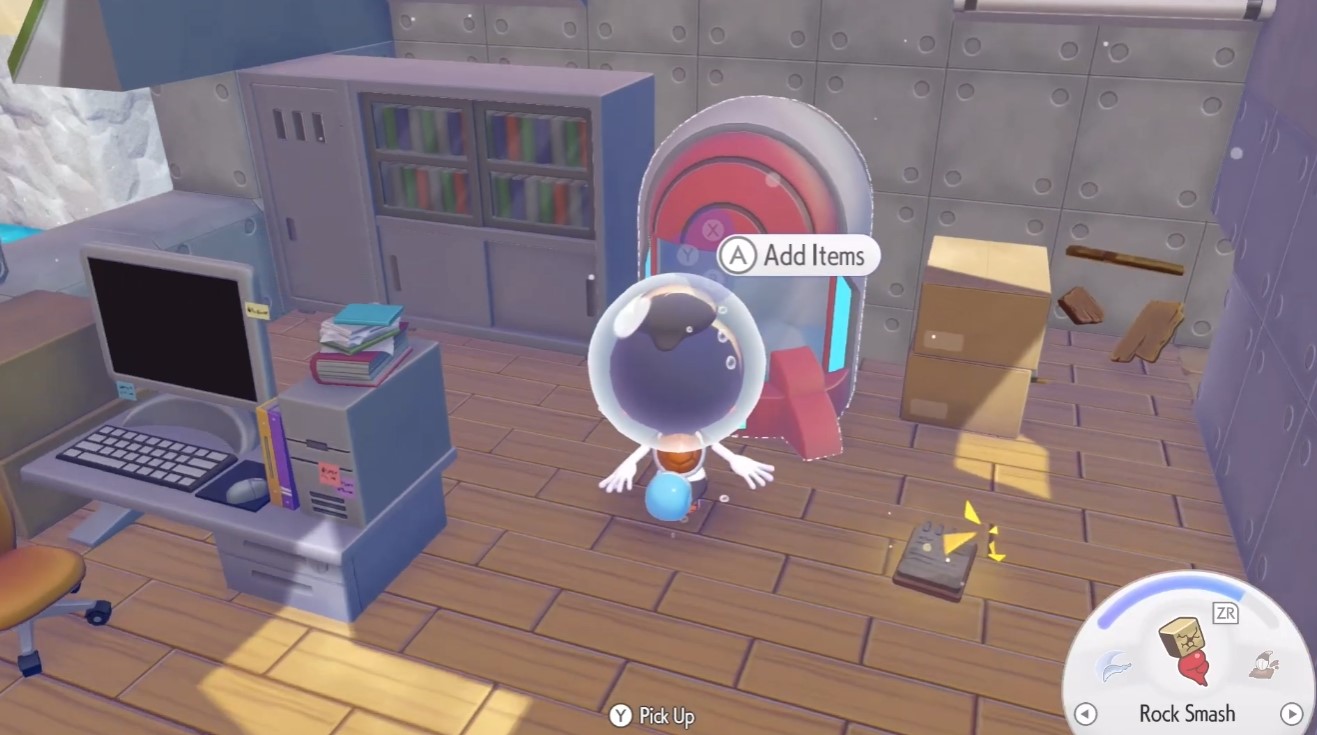
- Head downstairs. The second Portal Pod is in a Poké Ball on the lower floor. Grab it and you’re done with the scavenger hunt
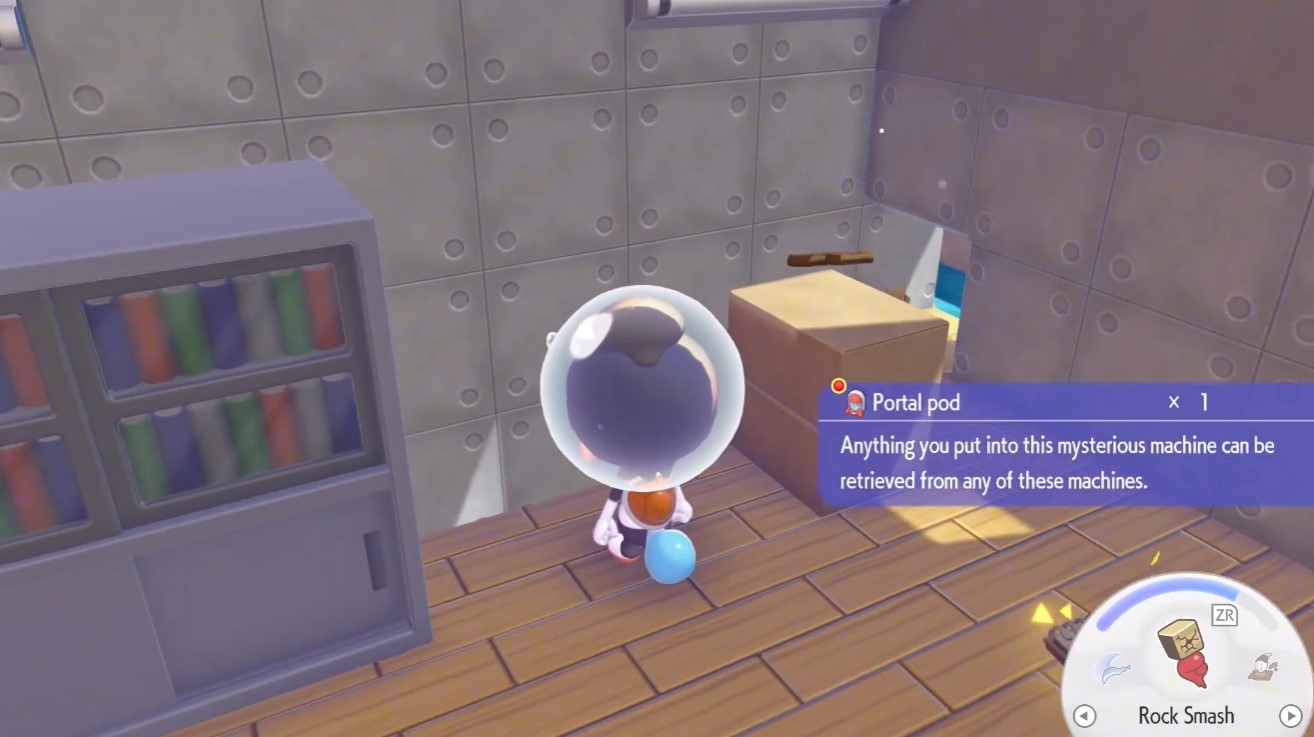
Method 2: Infinite Portal Pods
Two Pods are nice, but the real payoff is turning them into unlimited copies. The game’s 3D printing system lets you duplicate items you’ve scanned into your database, and Portal Pods are no exception.
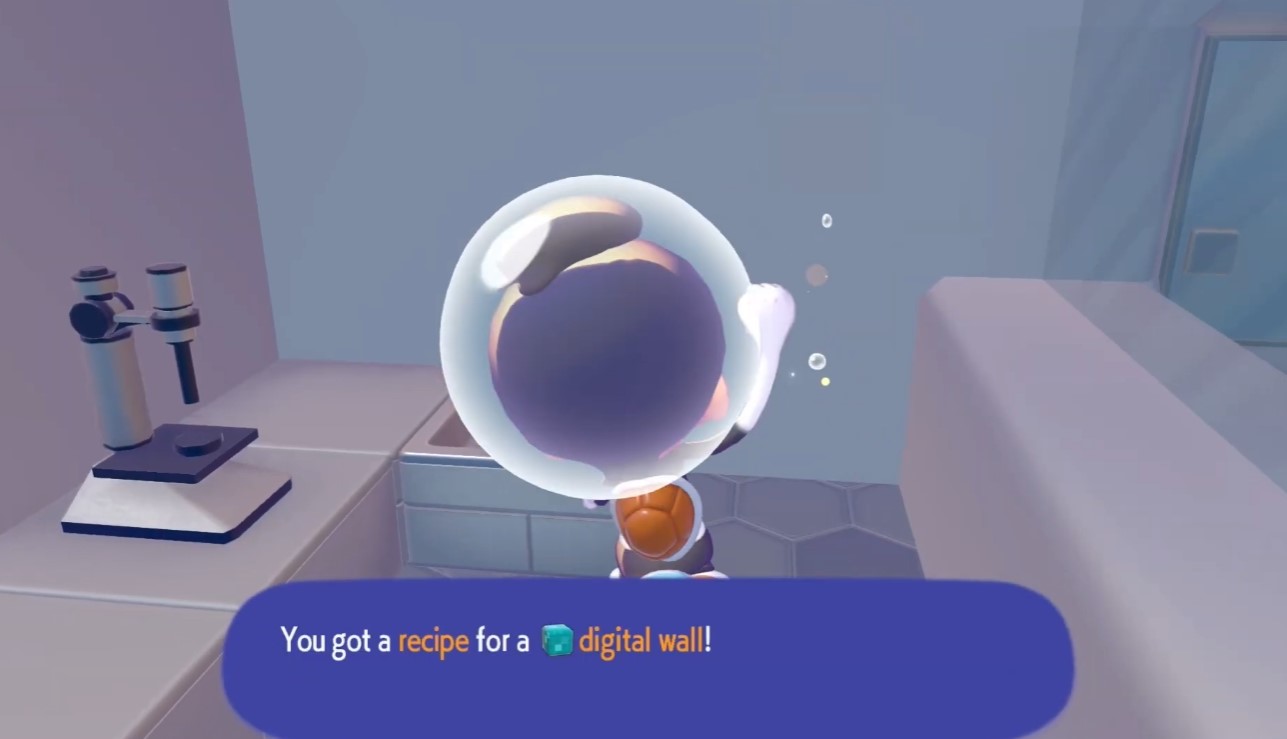
Here’s the process:
- Photograph the Portal Pod. Open your camera and take a clear picture of the item.
- Scan it. The scan adds the Portal Pod to your item database.
- Visit the rebuilt Pokémon Center. The 3D printer lives here.
- Craft away. Select the Portal Pod from your database and print as many copies as you want.
The only catch: the Pokémon Center must be rebuilt. If you haven’t gotten that far yet, prioritize it before attempting this method.
Tips and Troubleshooting
Pickup mechanics can be finicky. The first Portal Pod sometimes refuses to be collected directly. If that happens, destroy it — it respawns and can be picked up normally. Don’t panic and don’t restart; the item is safe.
The 3D printer route is the long-term play. Two Pods are fine for immediate use, but if you’re planning to build anything requiring multiple Pods, the scan-and-print method saves you from repeated trips back to the underwater house.
Pallet Town is fully optional. This method completely bypasses that progression path. If you’re on a fresh save or just want the item early, this route works regardless of your story progress.
What Else Is in Bubbly Basin?
While you’re in the area, it’s worth noting that Bubbly Basin has more hidden loot. The Heat Rock, for example, is sitting in a Poké Ball in a cave in the top-right corner of the first area, right by the stairs. If you’re already exploring, grab that too — it’s a free pickup with no strings attached.
The Starmie Doll is also obtainable here, though that one requires reaching Level 3 and working through Frillish’s request. That’s a longer detour, but if you’re a completionist, it’s a solid add-on to this run.
For now, focus on the Portal Pods. Two quick grabs, a scan, and you’re set for the rest of the game.
