
If you can’t find “Option” after changing “UI Scaling”, it may be helpful.
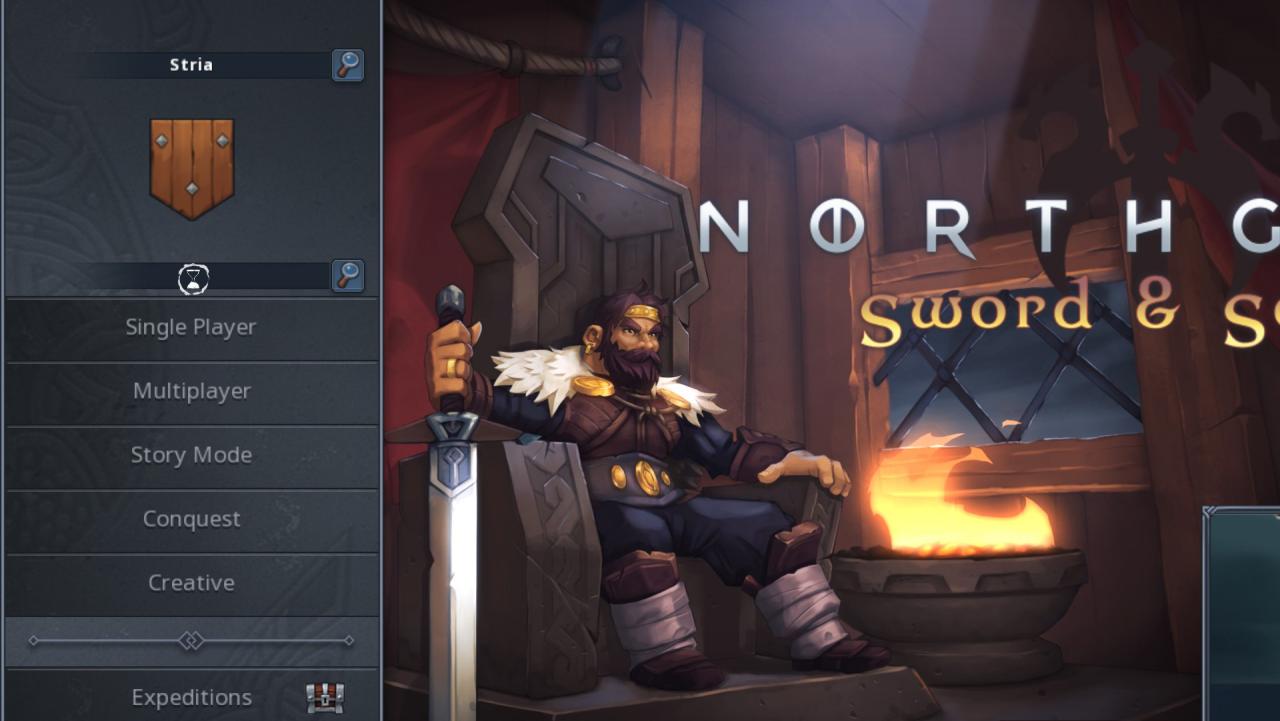
If you can’t find “Option” after changing “UI Scaling”,
- Right click on the game in your steam LIBRARY, then “Mange” → “Browse local files“.
- Find “prefs.sav” in the folder and open it with your text editor,
- Find
y7:uiScale
pay attention to the subsequent 2 chars before the next “y“,
- “i1” refers to UI Scaling “1x” here,
- “i2” refers to “1.25x“,
- “i3” refers to “1.5x“, etc.
For example, replace
y7:uiScalei4
with
y7:uiScalei1
then “UI Scaling” was “1.75x” and now it became “1x“. Save&Exit.
(Or most easily just delete “prefs.sav” to default all, but you will LOSE ALL your setting to “Option” before.) - Enjoy the game.
Thanks to ᠪᠠᠶᠠᡵᡨᡠ᠋ for his great guide, all credit to his effort. you can also read the original guide from Steam Community. enjoy the game.

Thanks for the infos!
It might be helpful: for me that was not in the prefs file, it was located in the Option file, just search for Graphics > UIScaling = 3, instead put 1.
Enjoy, hope it helps!