

I will be showing you guys today how to make more precise images/logos on your human
What you need
A copy of Human: Fall Flat
A file explorer
A photo editor
That’s it!
A file explorer
A photo editor
That’s it!
Making the skin
#1. Open your game
#2. Choose what clothes you want to paint on
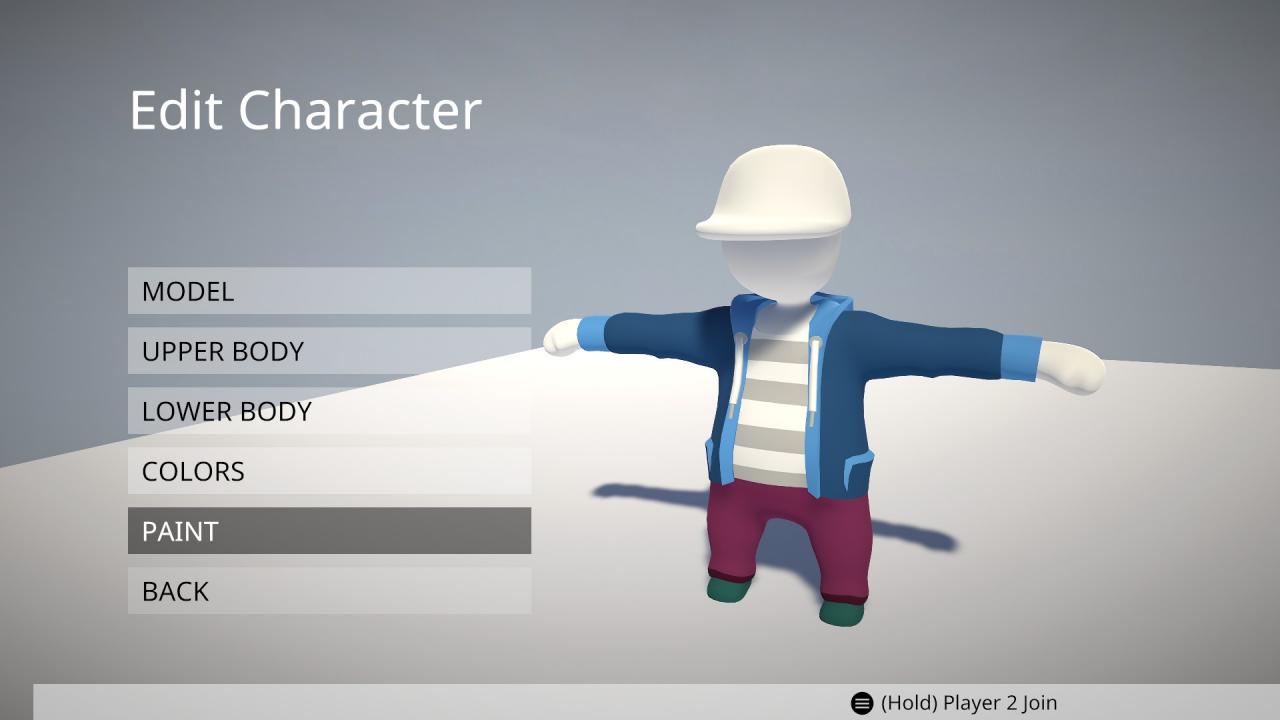 #3. Paint on the piece of clothes you want to edit
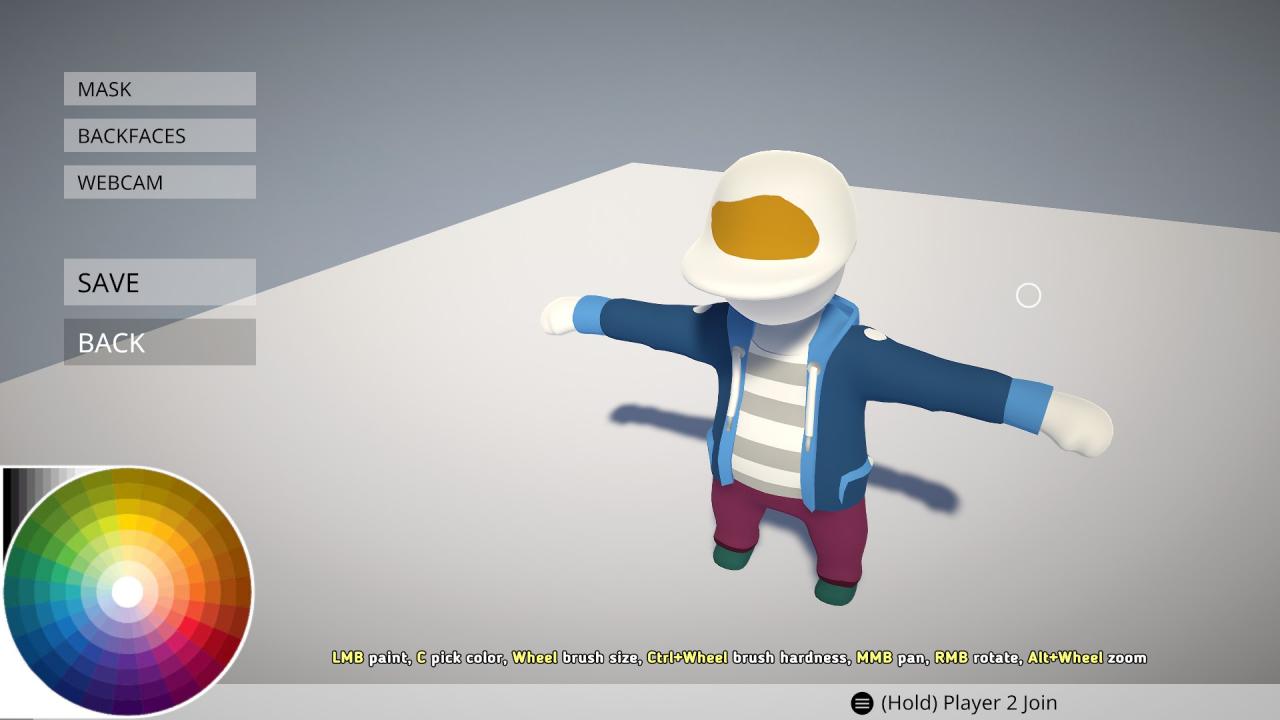 #4. Save the person and go back to the main menu
#2. Choose what clothes you want to paint on
#3. Paint on the piece of clothes you want to edit#4. Save the person and go back to the main menu
Then it gets a little more complicated
#5. Open your file explorer and search MainCharacter with the search bar (if maincharacter doesn’t have the image files, go to CoopCharacter instead)
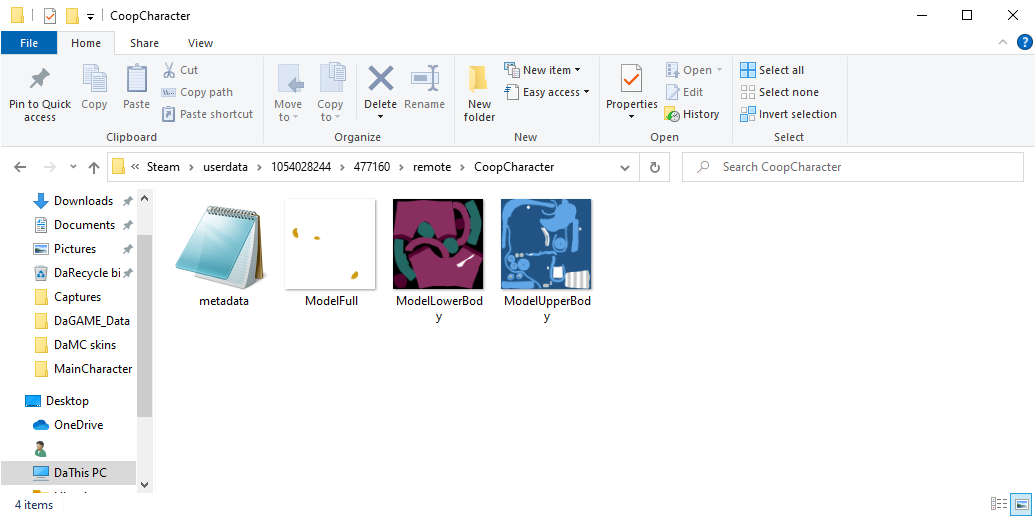 #6. Press on the piece that you painted and edit it in an image editor, you can import a logo or just draw
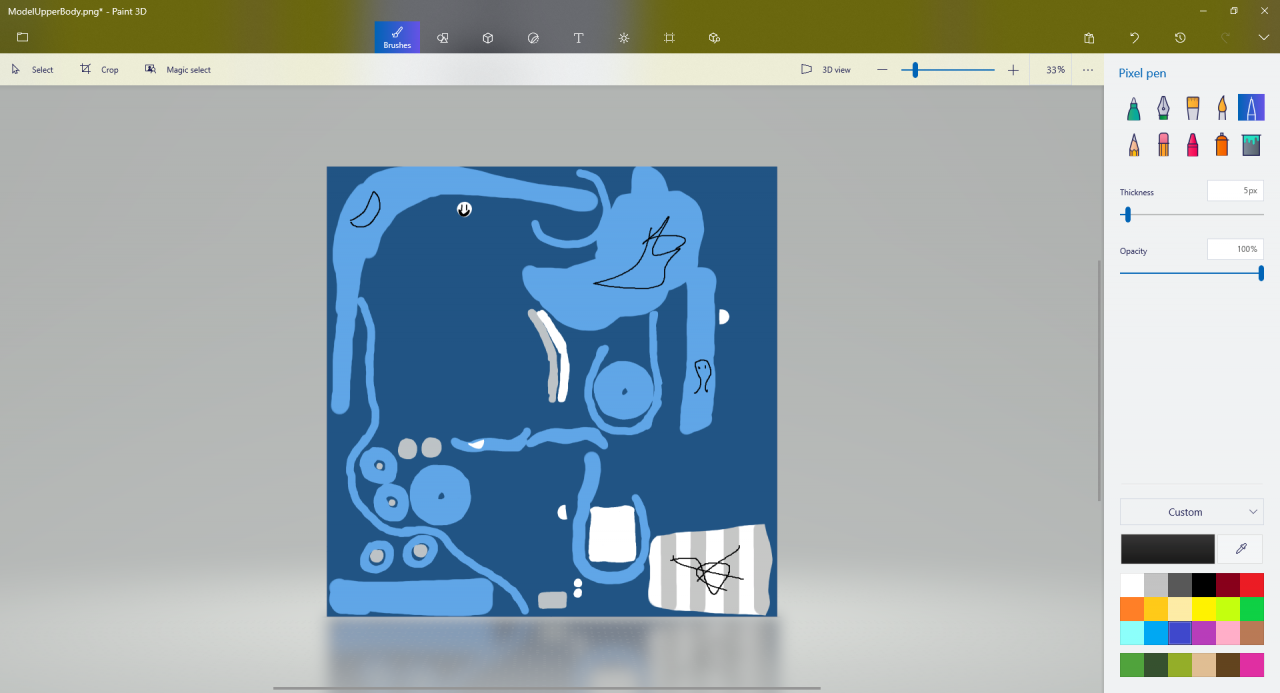 #7. When you’re done drawing, replace the old image with your edited one
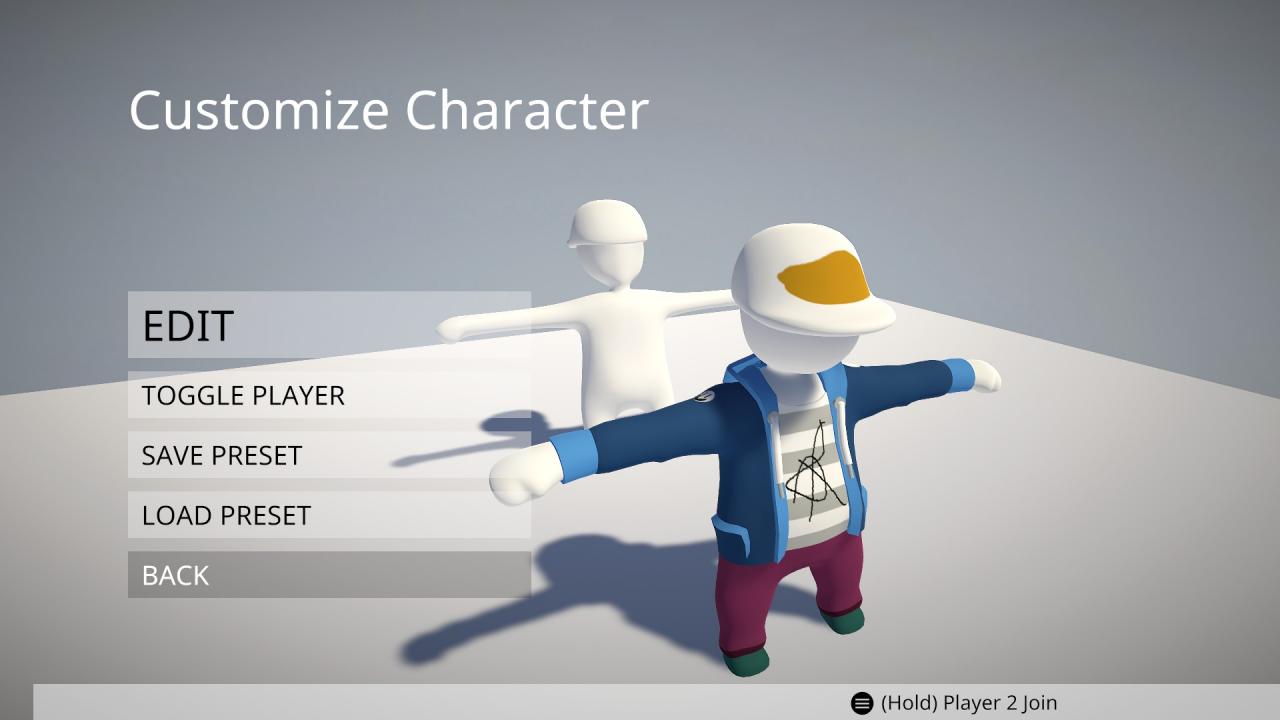
#8. Switch back to the game and go into customization and you should see your edits on the human

What if we don’t have materials needed? Can we still customize it? if yes ,how?