Rogue Tower: How to Fix High Resolution Issue (4K Enable)
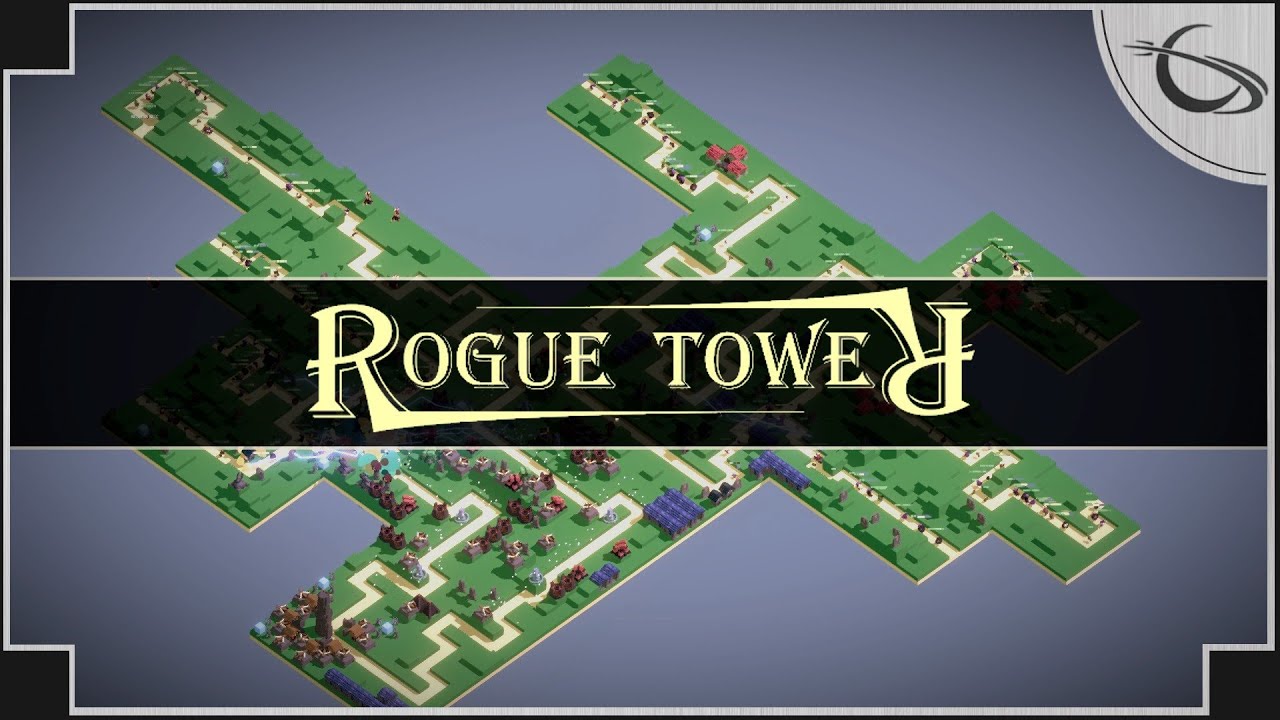
This should make the UI scale significantly better for high resolution displays.   How to Fix High-Resolution Issue Go to your folder that holds your Rouge Tower files (e.g. C:\Program Files (x86)\Steam\steamapps\common\Rogue Tower) Select and right click Rogue Tower.exe Select Properties Under the Compatibility tab click “Change high DPI settings” (optionally do this after clicking … Read more


click to ten: FPS Boost Guide for Win 10

List of things you could do to improve FPS. WARNING: This guide is for Windows 10 only. I have no idea if any of these things work on a different operating system, but be warned. WARNING: You might not experience any FPS gain due to an FPS limitation either controlled by VSync, the game or … Read more

Distant Worlds 2: How to Add Your Own OST

In this simply guide I will teach you how to remove/add your own songs to the game, plus I’ll leave my own custom folder 🙂   How to Add or Remove Songs Sadly the score of the game isn’t at par with the gameplay, so I had to customize the music folder by removing most … Read more

RetroArch: How to Download and Install Cores for Steam Version

In this guide, I will instruct you on how to download and install cores for Steam RetroArch.   Finding the cores You will (probably) need to do this every time RetroArch gets an update, if you want your cores to be as up to date as possible. First, navigate to https://buildbot.libretro.com/stable/ Expand the folder if necessary … Read more

WWE 2K22: How to Fix Screen Tearing Issue (NVIDIA & AMD)

After seeing quite a few complaints about screen tearing, and having experienced it myself. I decided to just make a guide on how to fix it. and it’s actually quite simple. Sadly this game has no vsync option built in, despite there being a vsync line in the config file, which is oddly set to … Read more

Yooka-Laylee: How to Connect Controller to Steam

This guide is made to help people connect their controller to steam so they can play Yooka-Laylee. I’ll go through two steps and in worst case three steps – Connecting controller to PC – Connecting controller to Steam (and if that doesn’t work) – Downloading X360ce Hope this helps you or your friend out. (The … Read more

Longvinter: Dedicated Server Guide on Windows

This is a tutorial on how to host your own server for Longvinter.   Requirements and prerequisites This guide is for Windows systems. For Linux servers follow the guide on Linux GitHub page[github.com] System requirements: Broadband internet connection Router with the ability to port forward 64bit Windows 10 system Min. 3 GB RAM Also requires that … Read more

THE KING OF FIGHTERS XV: How to Enable V-Sync

If you have Screen Tearing this tutorial can you help you.   How to Enable V-Sync Press W+R Write “%appdata%” and OK Click on “AppData” Click on “Local” Find the directory “KOFXV” and double click Double Click on “Saved” Double Click on “Config” Double Click on “WindowsNoEditor” Find “GameUserSettings”, Right Click and click on Edit … Read more