

𝘐 𝘸𝘪𝘭𝘭 𝘴𝘩𝘰𝘸 𝘺𝘰𝘶 𝘩𝘰𝘸 𝘺𝘰 𝘤𝘩𝘢𝘯𝘨𝘦 𝘔𝘰𝘥𝘦𝘭 𝘷𝘪𝘦𝘸𝘦𝘳’𝘴 𝘊𝘰𝘭𝘰𝘶𝘳
-𝘐𝘯𝘵𝘳𝘰𝘥𝘶𝘤𝘵𝘪𝘰𝘯 –
This guide will show you how to edit ,the Valve Hammer Editor Model viewer’s colour .
Note: I will be using Notepad++ [notepad-plus-plus.org] as my text editor
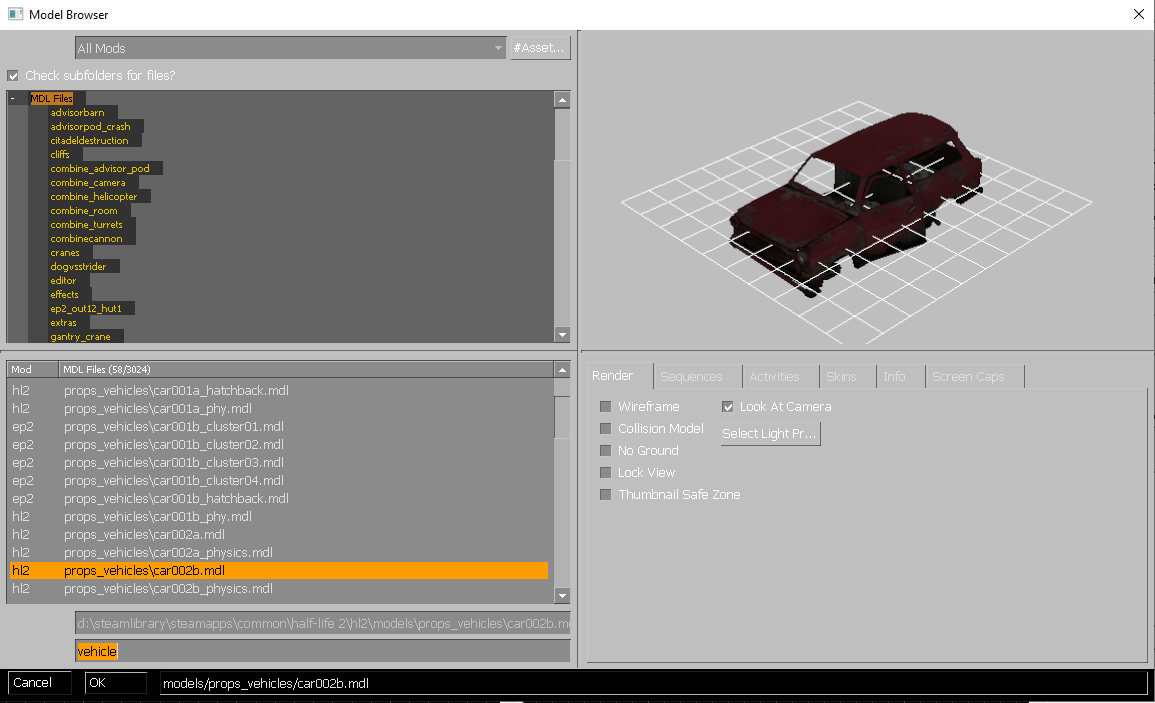
Goal: we going to change this :
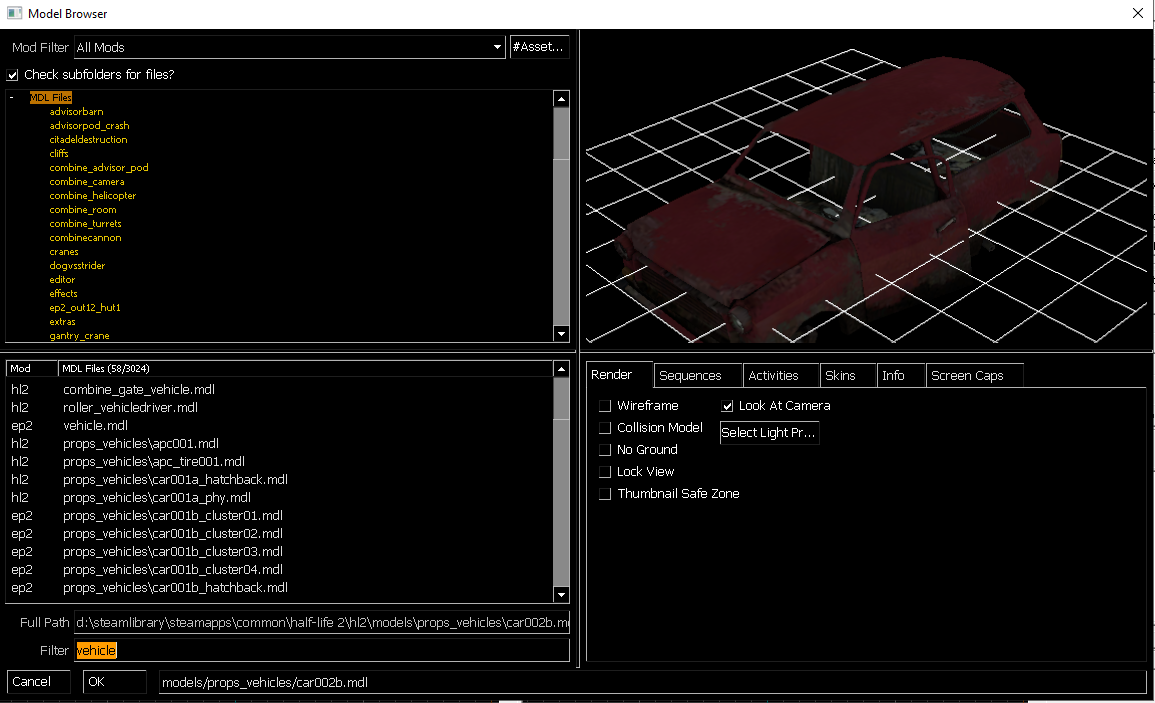
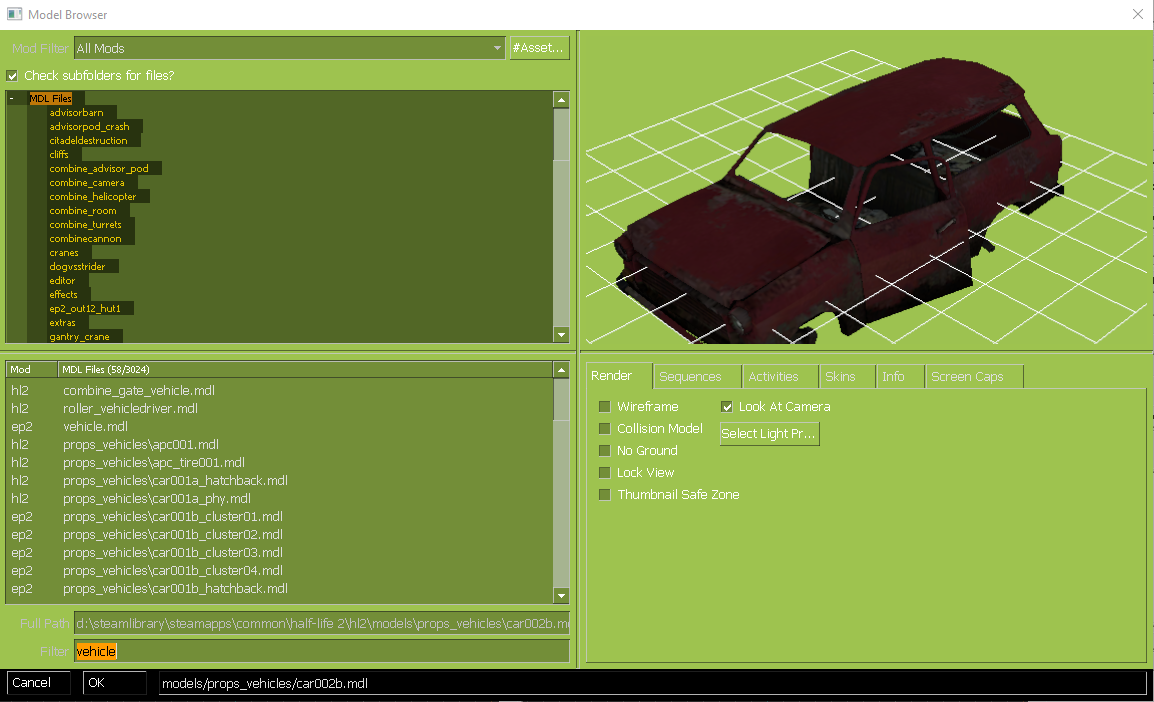
to this :
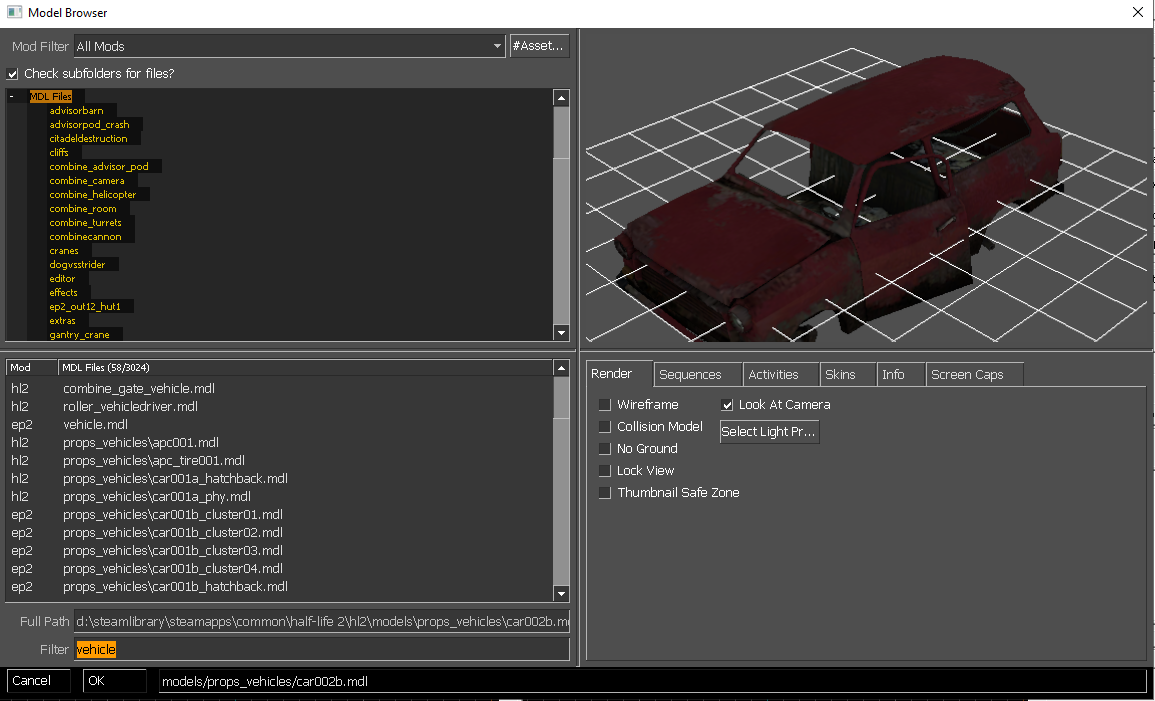
-𝘐𝘯𝘴𝘵𝘳𝘶𝘤𝘵𝘪𝘰𝘯𝘴 –
- First we would go to our preferred source game directory to find sourceschemebase.res:
steamapps/common/Half life2/platform/resource/…Note: this directory depends on your preferred source game , for example u will find sourceschemebase.res for TF2 in Team Fortress 2/platform/resource/…
- After you find it , open it and try to find Panel.BgColor around line 124 .
- Now you can edit it by placing the the name of your preferred colour between “. . .”
Note:you can place the name or the RBGA numbers of that said colour provided in the file
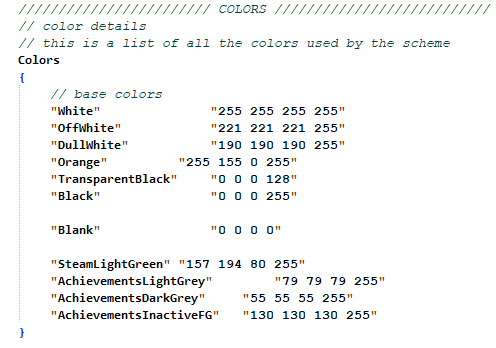
- Then after you chosen your preferred colour make sure you save it , and reopen Hammer Editor or it wont work correctly .
-𝘊𝘰𝘭𝘰𝘳 𝘖𝘱𝘵𝘪𝘰𝘯𝘴 –
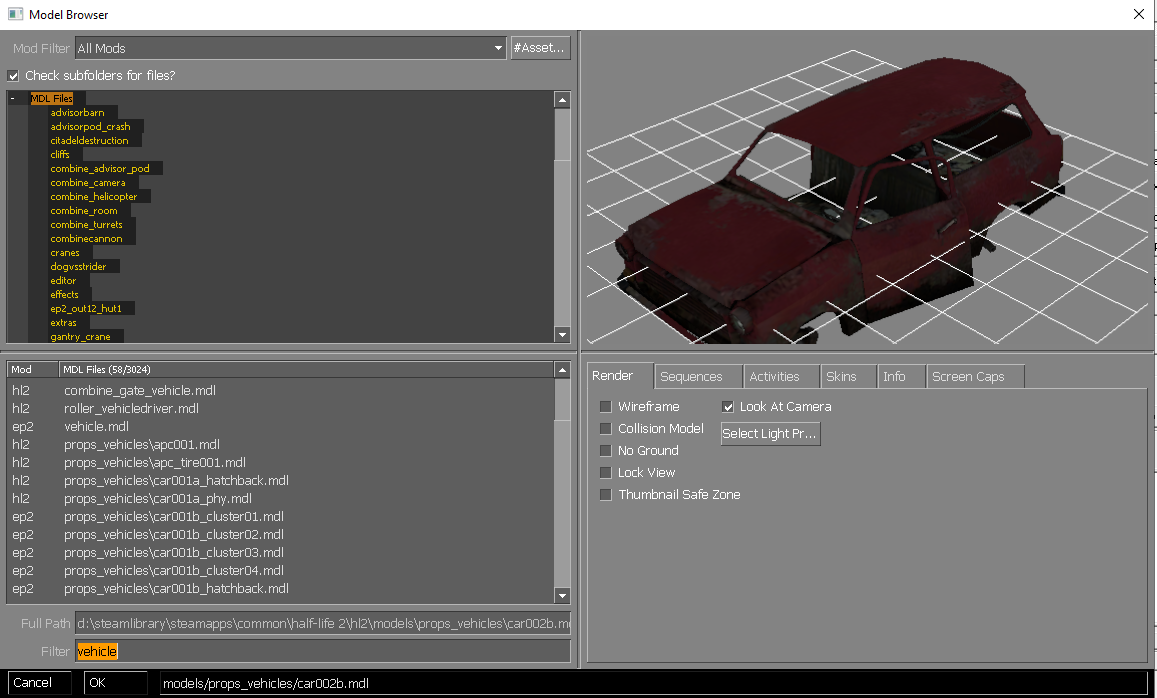
To save you some time of trying each colour , here a list of those colours and how it looks in the Model viewer :
- White:
- OffWhite/DullWhite :
- TransParent.Black/ Black / Blank / AchievementsInactiveFG :
- SteamLightGreen :
- AchievementsLightGrey :
- AchievementsDarkGrey :
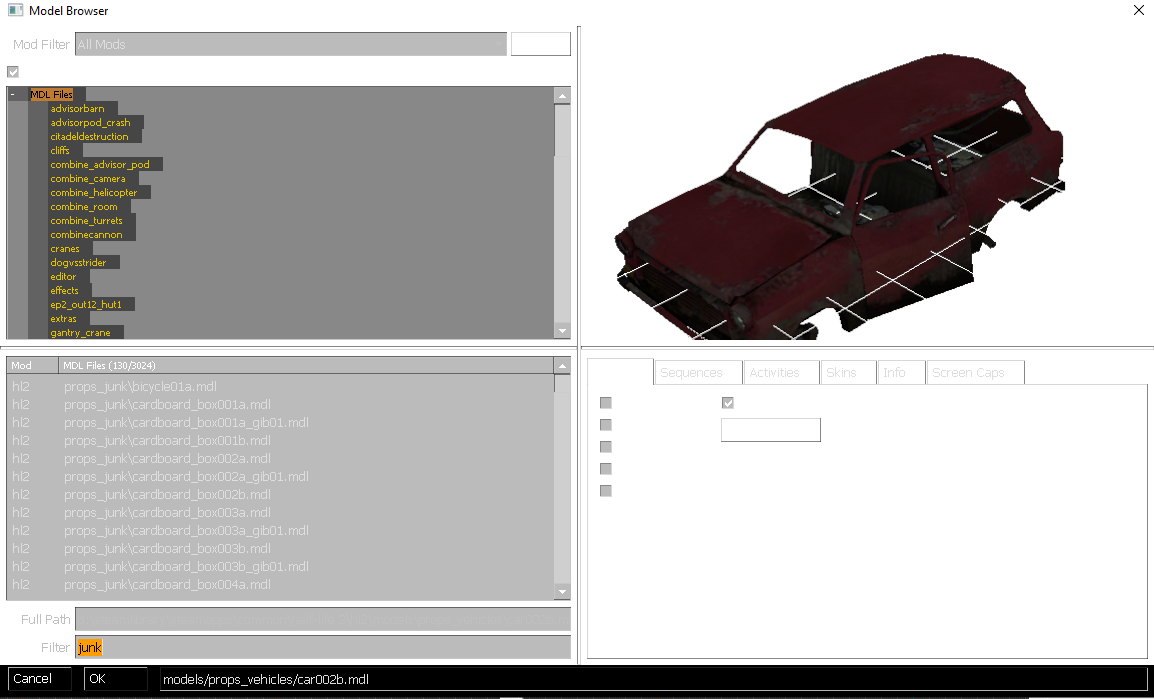
By Flumina
