

This guide will show you how to have more builders running around your settlement.
How to Have More Builders
Simply press the P key on your keyboard. This will bring up the “Professions” screen. Here you can manage your citizens professions.
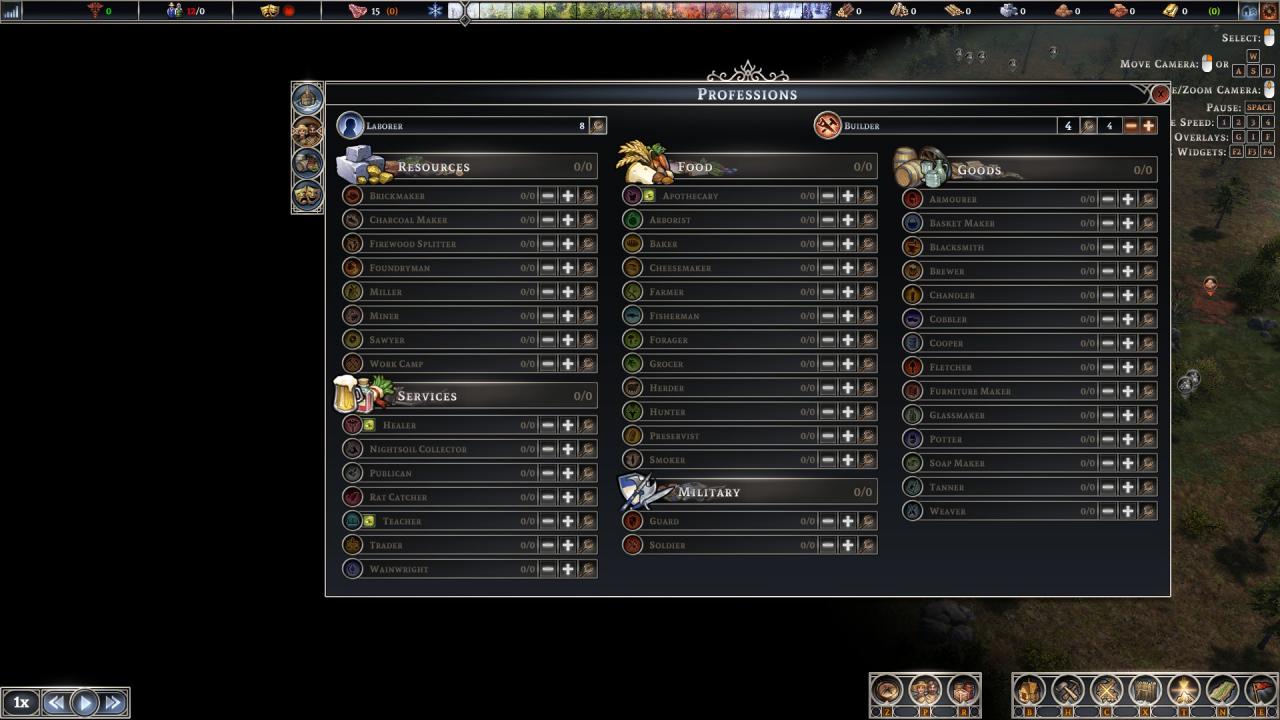
Before you increase the number of builders, I suggest you have enough laborers to spare.
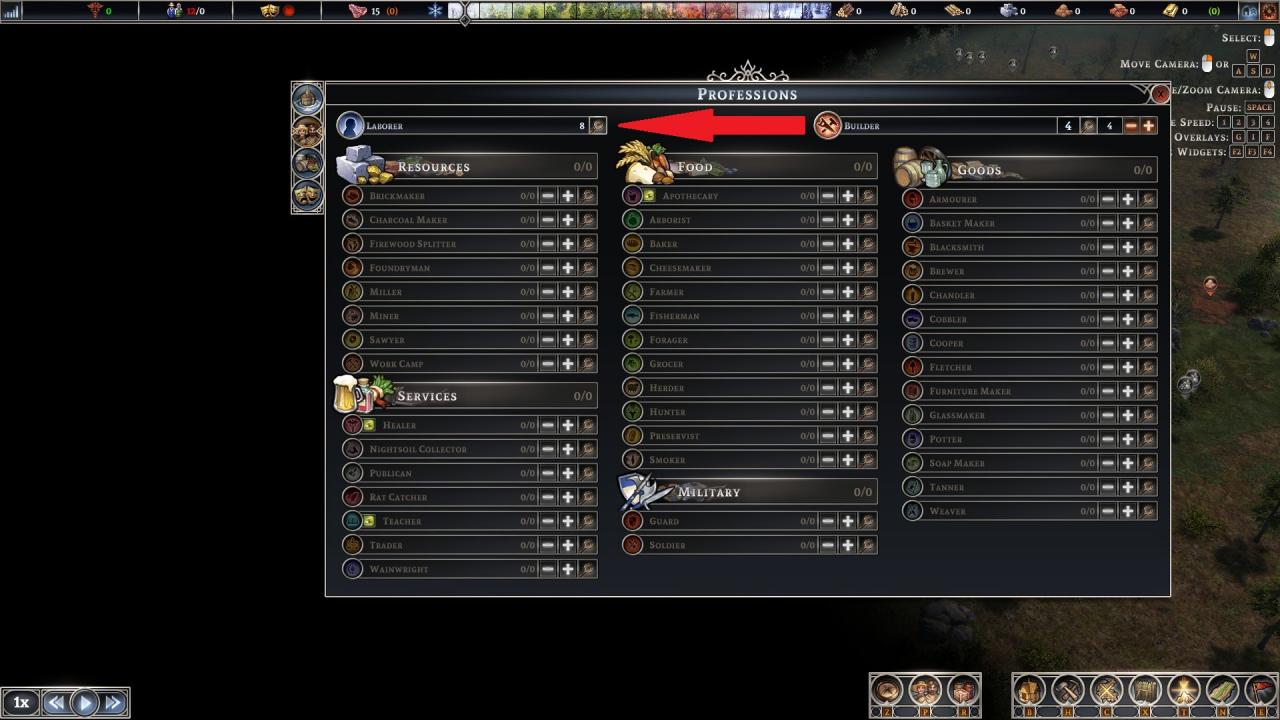
Once you have a few laborers to spare, on the top right corner of the “Professions” screen you will see the “Builders” bar.
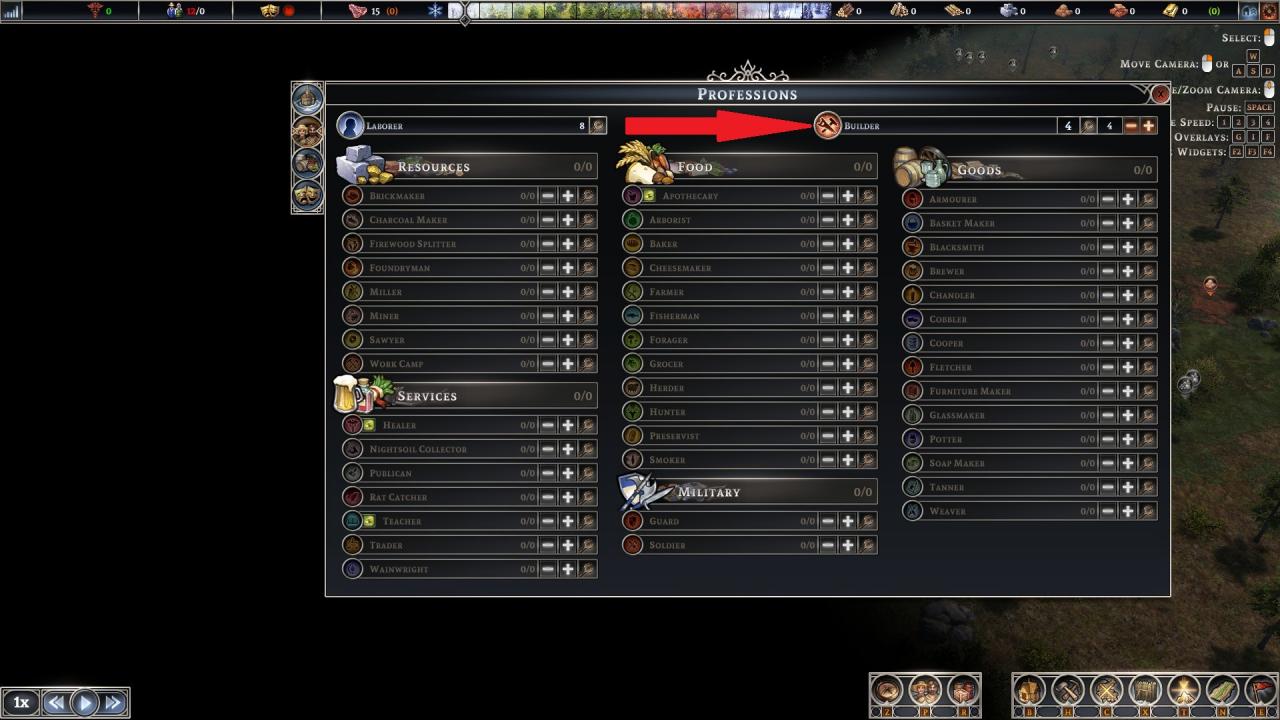

To increase the number of active builders, just press the + button.

That is all.
Thanks to JFortz for his great guide, all credit to his effort. you can also read the original guide from Steam Community. enjoy the game.
