
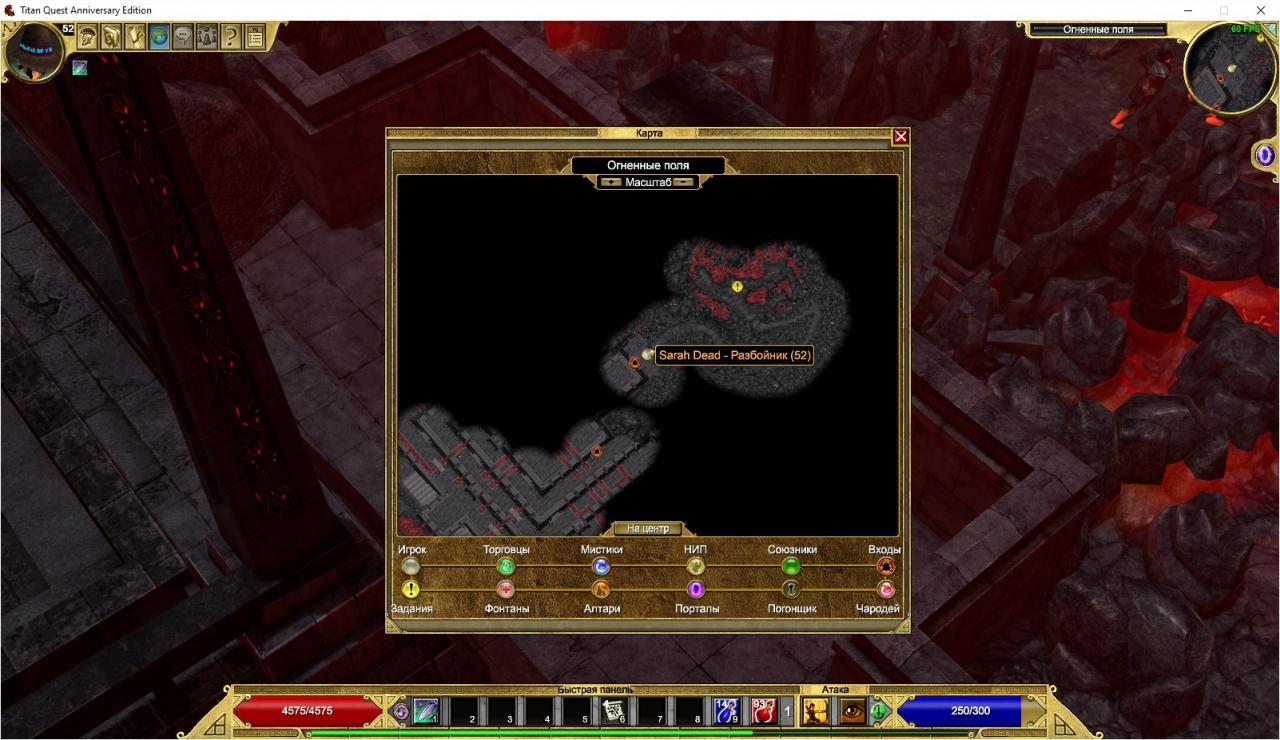
This method clears the fog of war by 100%.
Description
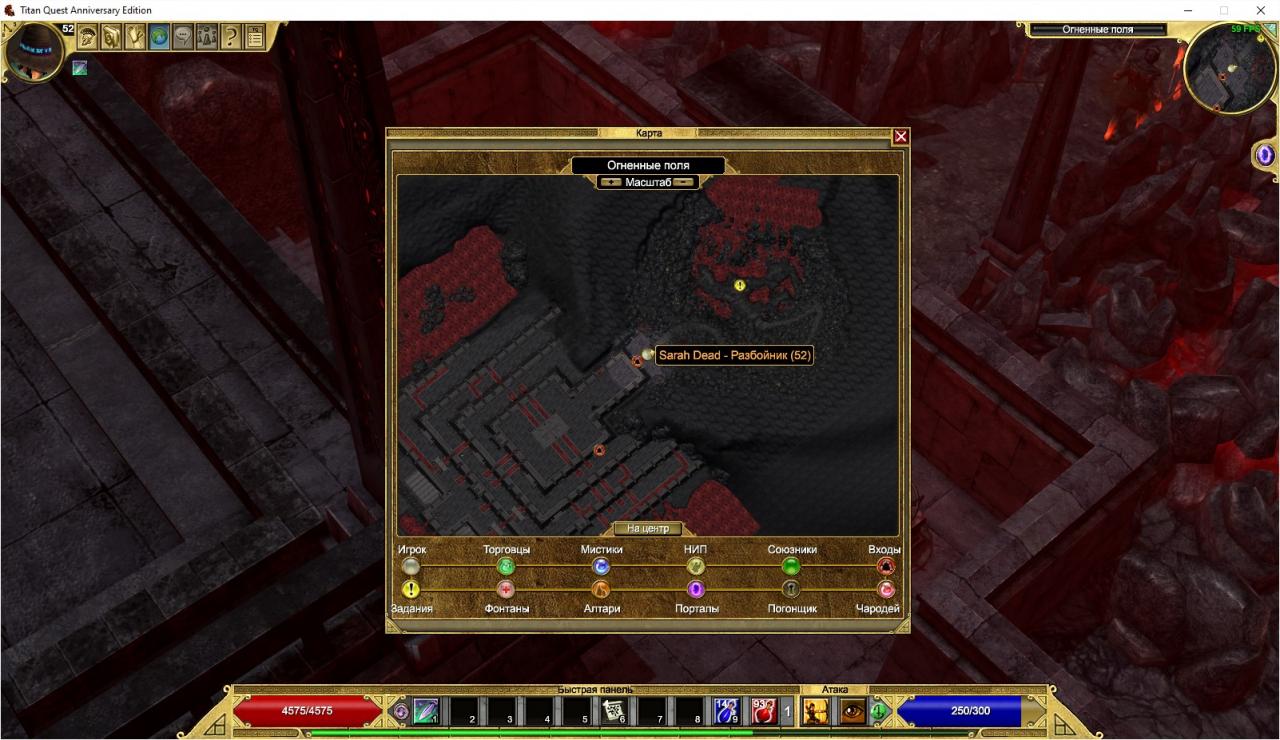
To this:
Download
You need to download two programs. “ARZ Explorer[disk.yandex.com]” for unpacking game archives and “Clear All Fog[disk.yandex.com]” for removing the fog of war.
Unpack all archives to any folder. For example in the game folder.
Save Files
Inside there are folders indicating the difficulty level.
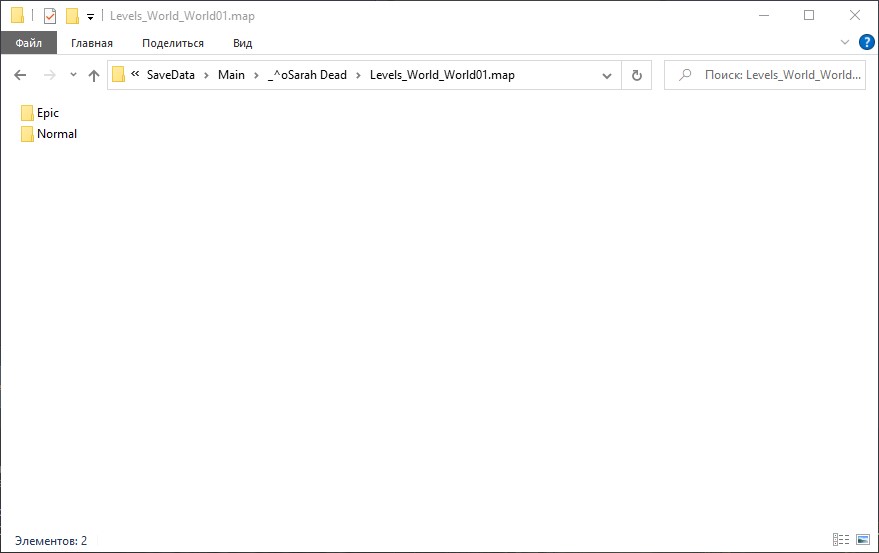
I recommend you to back up these folders.
ARZ Explorer
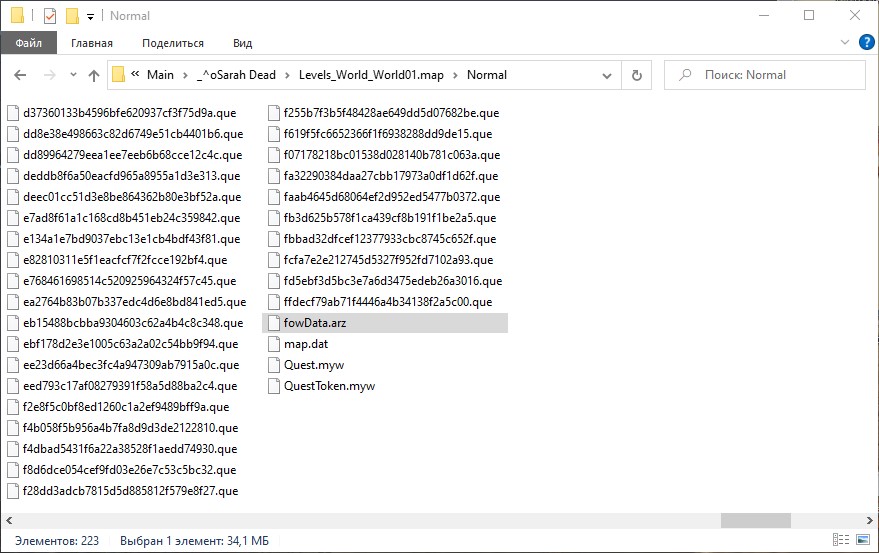
Next, you need to run “ARZ_Explorer.exe”. Click “File > Open” and select your “fowData.arz” file. After loading you should see this:
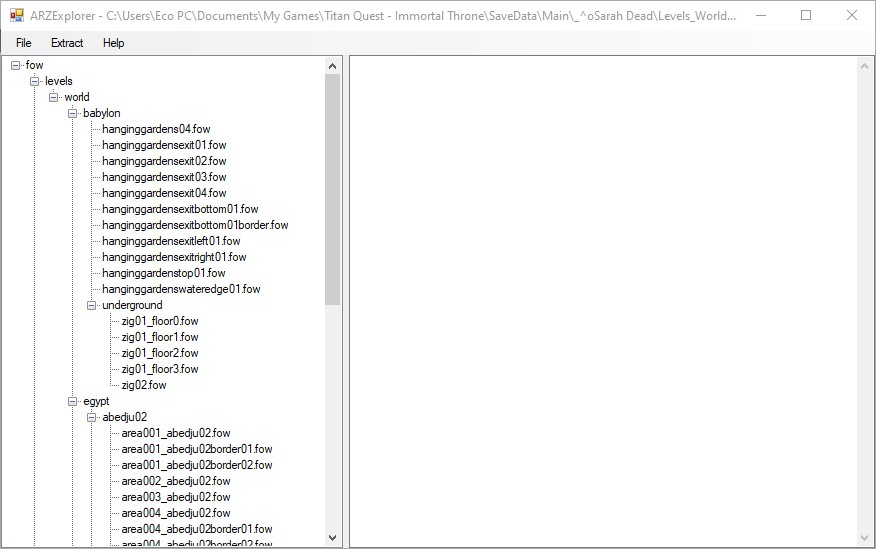
Now you need to extract all files. Click “Extract > All Files” and as the destination folder select the same folder where “fowData.arz” is located. After extracting a “fow” folder will be created and you should see this:
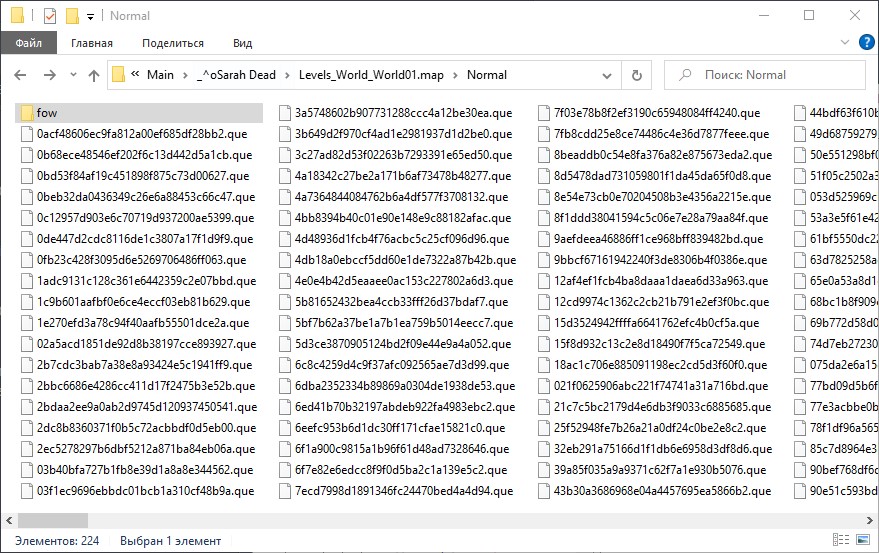
Delete Fow Data
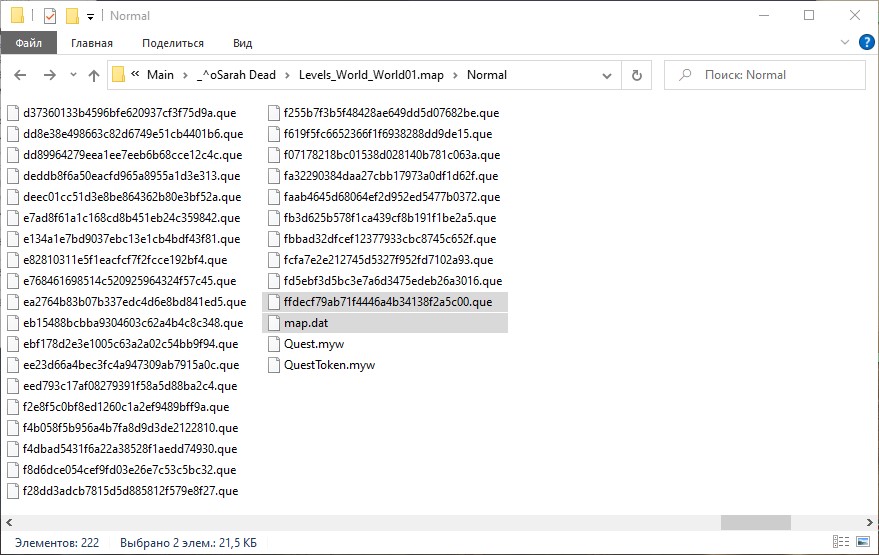
Clear Fog
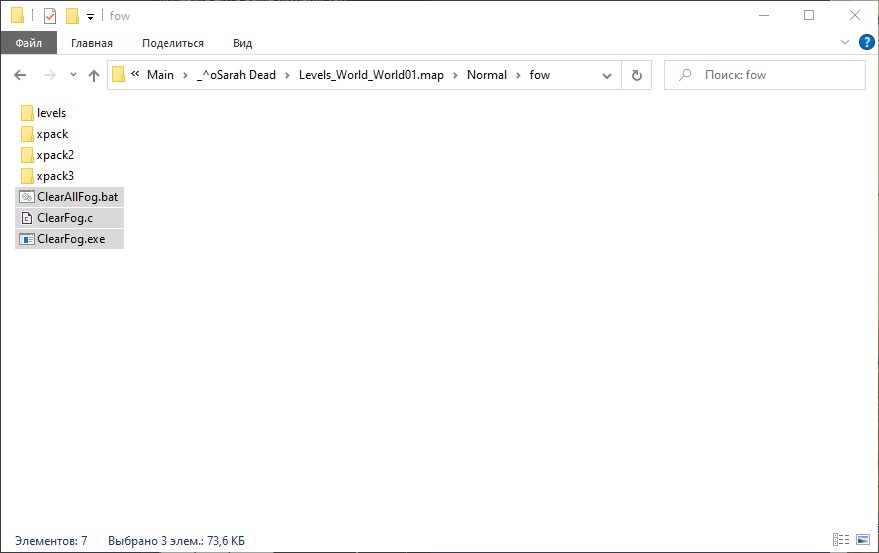
Run “ClearAllFog.bat”.
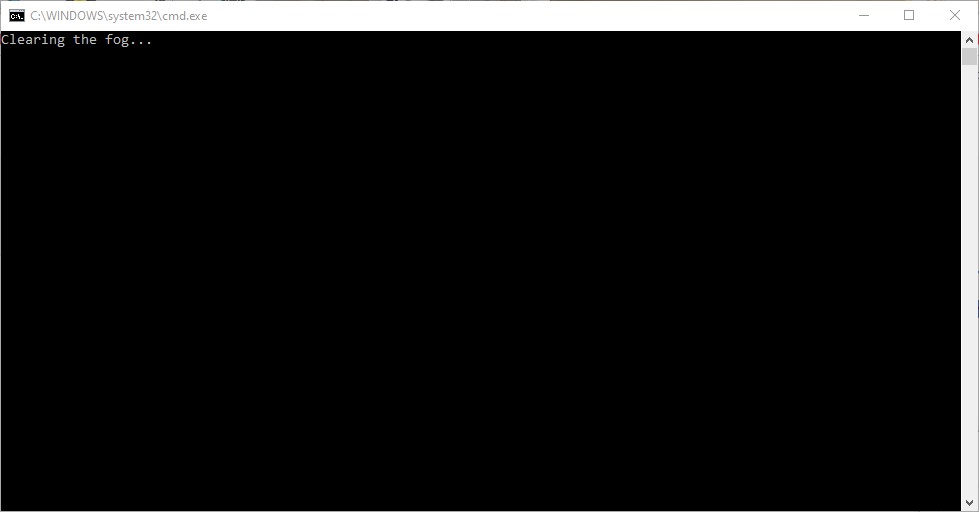
Wait for the command prompt to close. After that you can check the progress in the “log.txt” file.
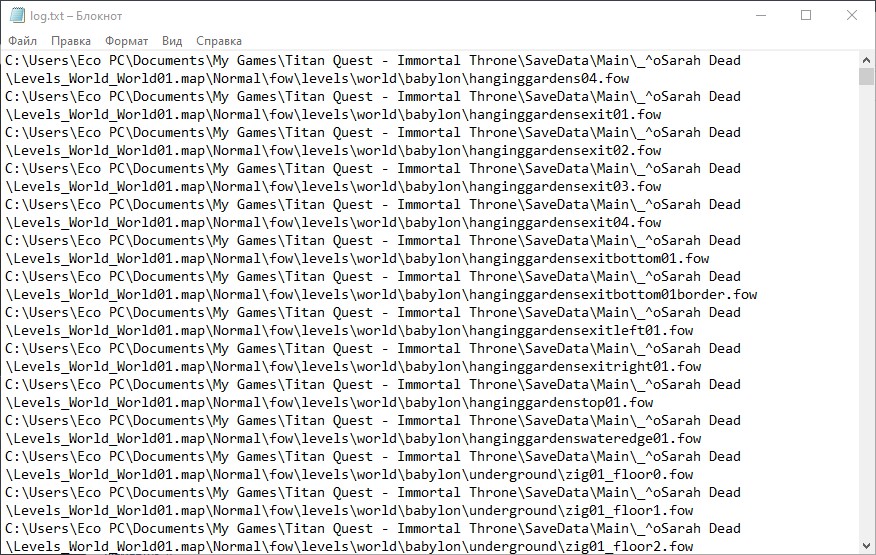
Delete Clear Fog
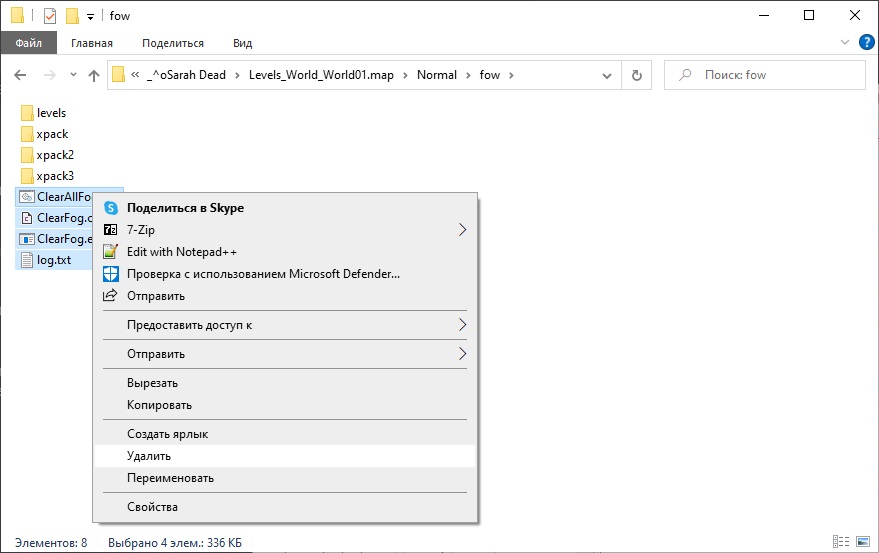
Launch the Game
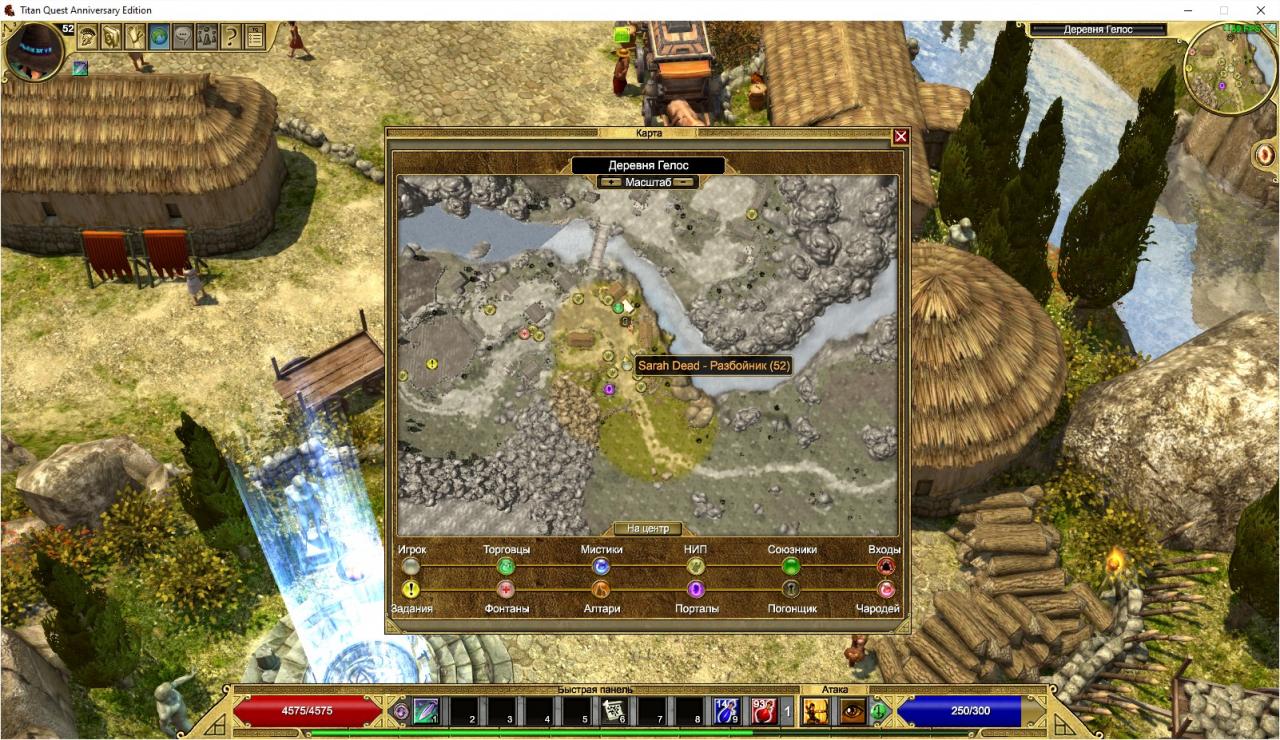
Warning
So you can use the easy way. You just need to download my “fowData[disk.yandex.com]” and replace it in your save. But I could have missed some locations. And I do not have “Eternal Embers” DLC at the moment. I’ll try to keep my file updated.
Related Posts:
- Titan Quest Anniversary Edition: Chaos Dungeon & Hardcore Dungeon Guide
- Titan Quest Anniversary Edition: Quickly Suicide Leveling & Auto Away From Keyboard Leveling Guide
- Titan Quest Anniversary Edition: Paladin (Defence / Storm) Build Guide
- Titan Quest Anniversary Edition: Illusionist (Rogue / Nature) Build Guide
- Titan Quest Anniversary Edition: Haruspex (Hunting / Dream) Build Guide
