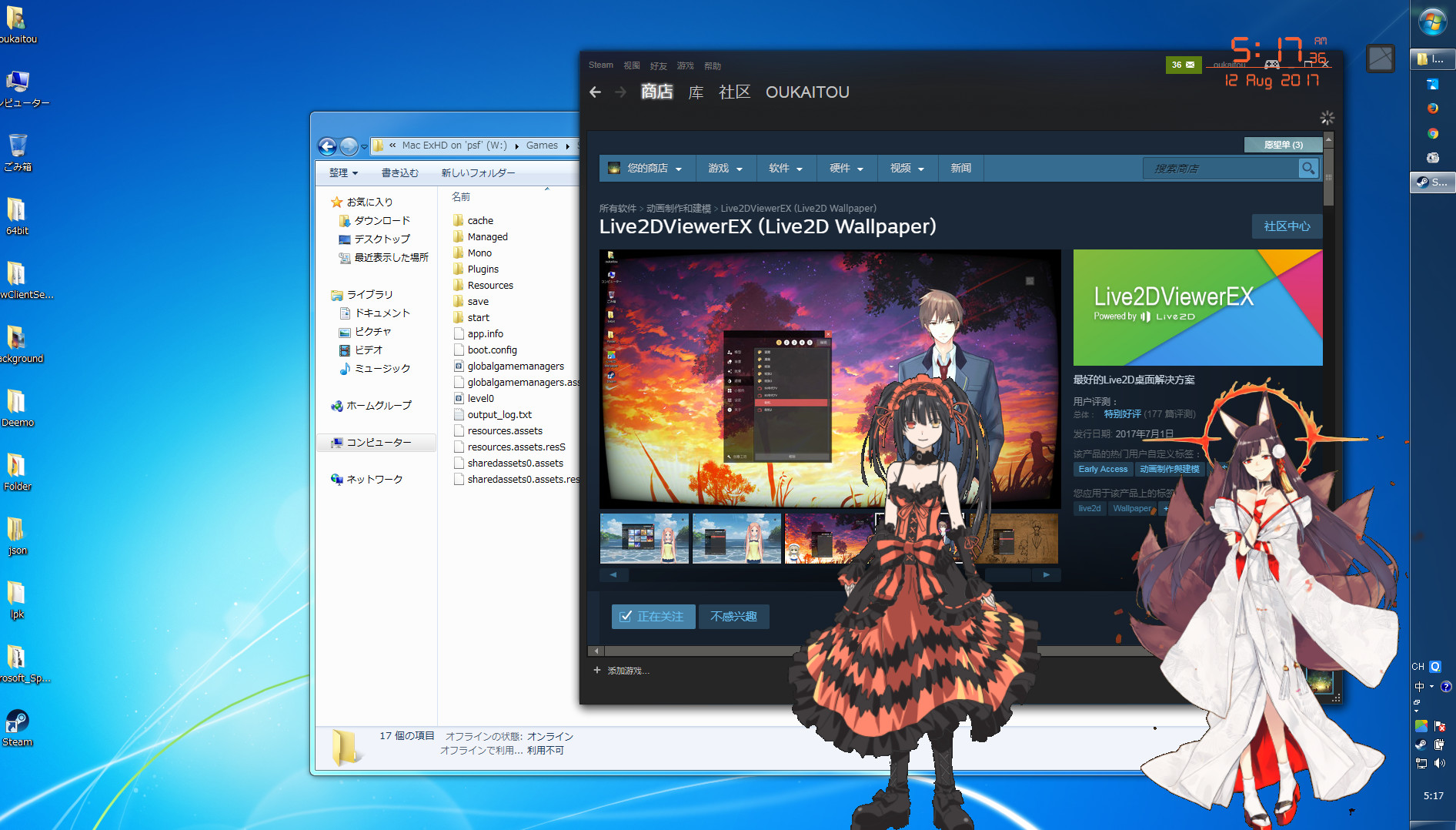
You can become Vtuber by Live2DViewerEX with this step-by-step tutorial.
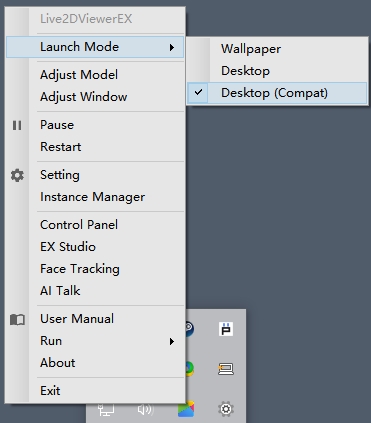
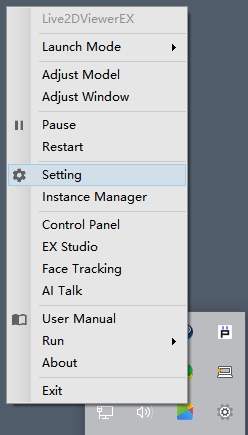
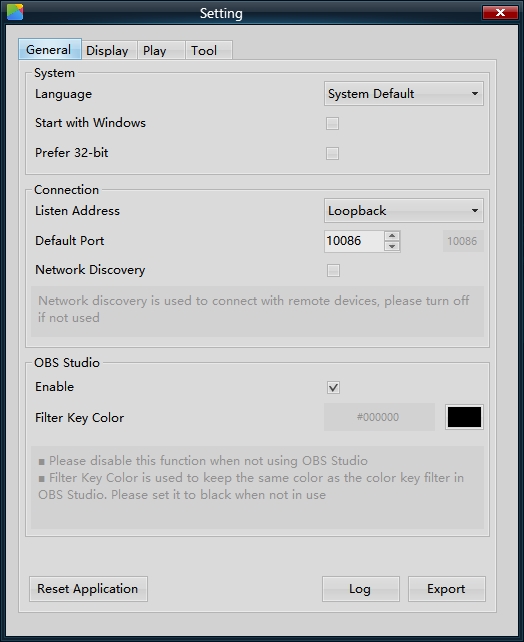
2. right click > Setting
3. OBS Studio > Enable
Filter Key Color : black hex code #000000
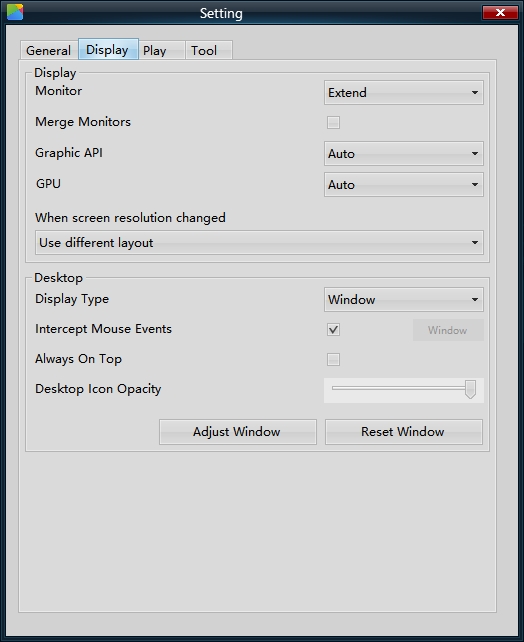
4. Display > Desktop
Display Type : Window
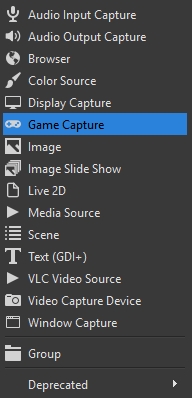
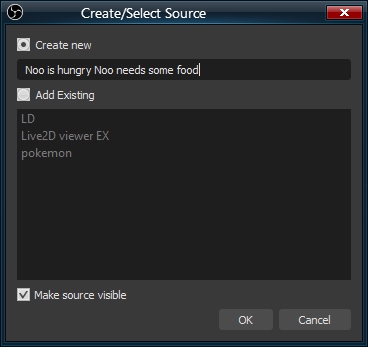
2. Create new
3. Setting
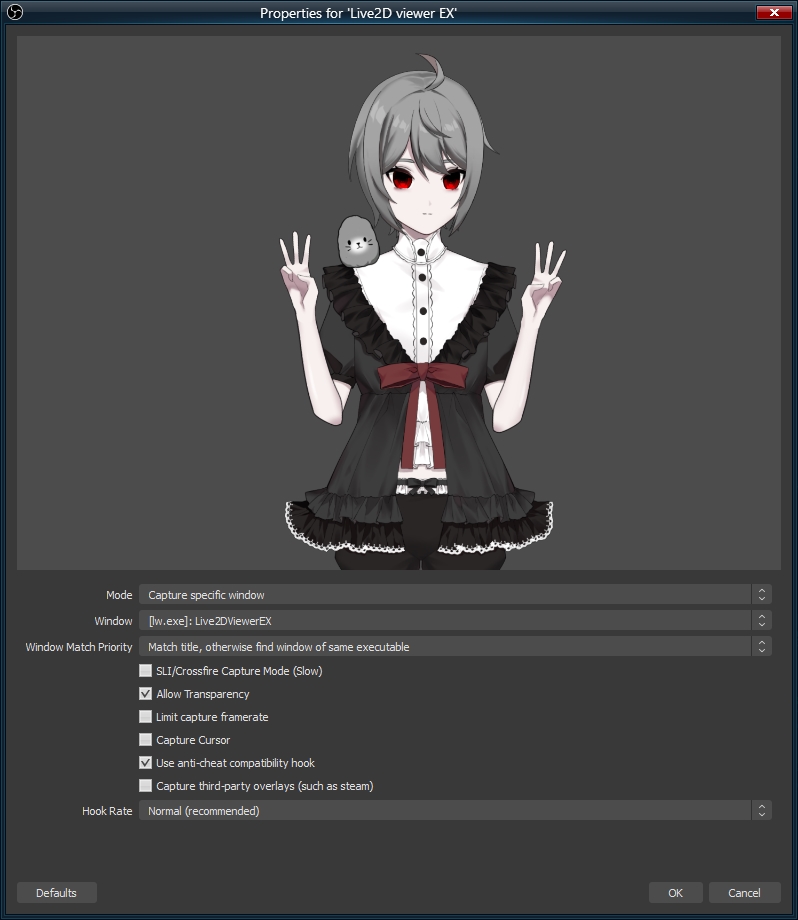
Mode : Capture specific window
Window : [lw.exe]: Live2DviwerEX
check : Allow Transparency
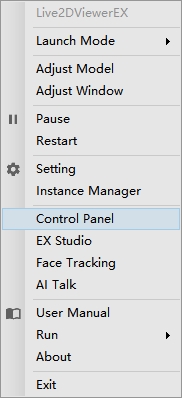
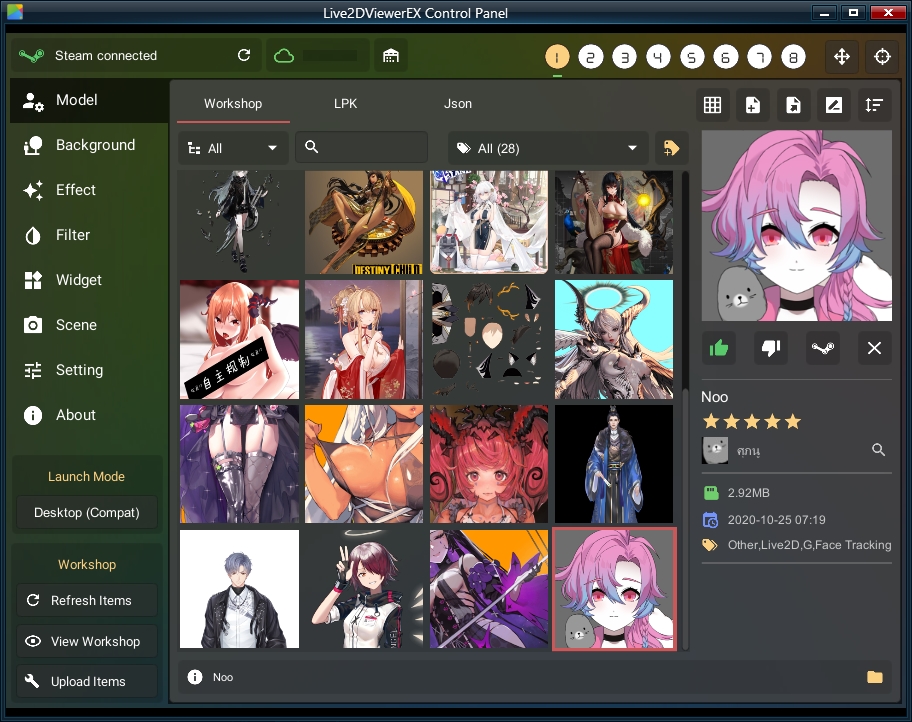
2. Choose lewd model from Workshop or Json
Noo is my private workshop you can’t download them
2.1 from Json choose + add
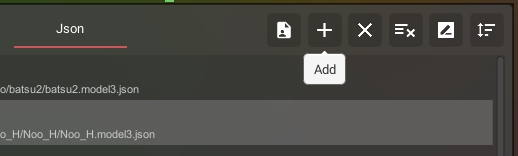
number 1 – 9 is model slot click number before you add model
double click your model
3. press shift+L for Model setting
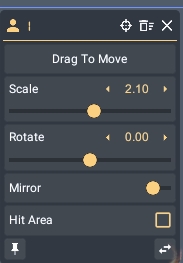
4. Scene is save your setting you can reload any your model and setting anytime
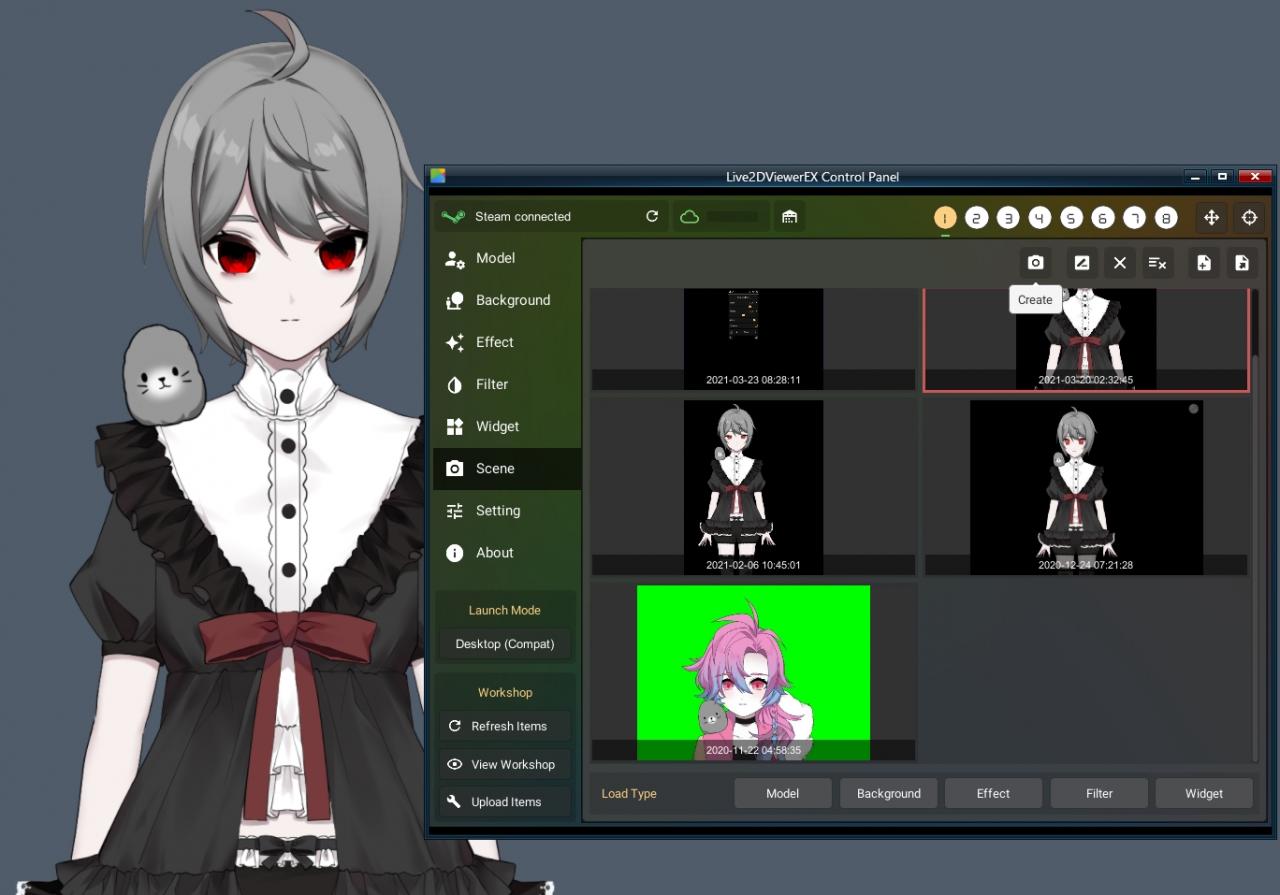
sorry I only know how to setting for webcame
if you want your smartphone as webcame you must have 3rd party program
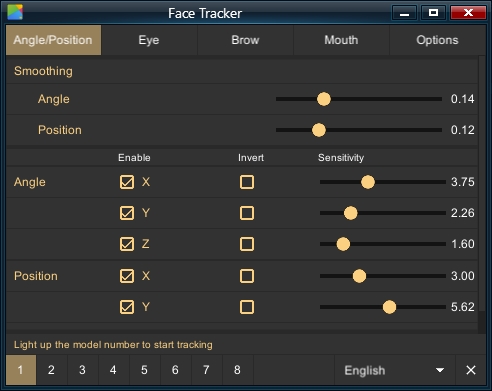
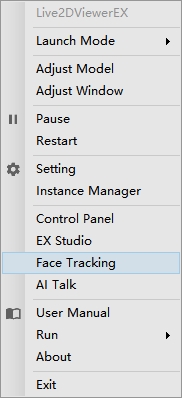
1. right click > Face Tracking
1.1 connect
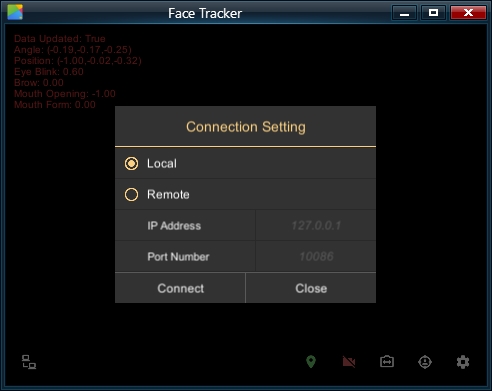
bottom right > Setting > Option
choose your webcame and FPS
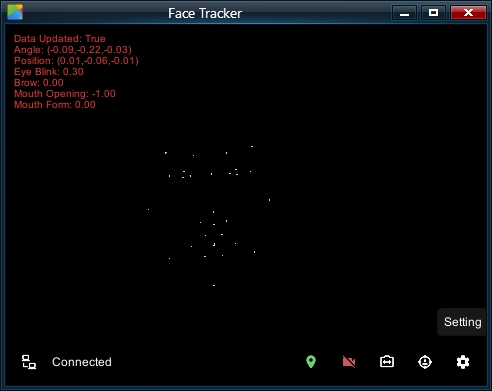
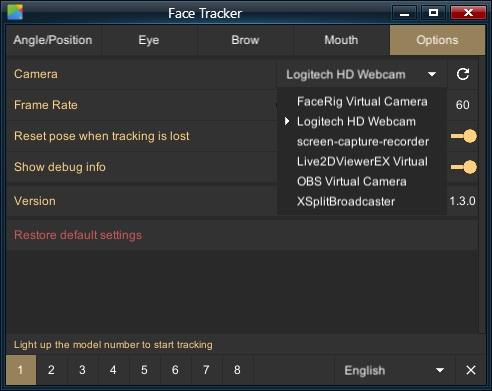
this is face tracking for model
try it by yourself