
Skip to content
GamePretty
  • Home
  • Guide
  • Codes
  • Contact Us

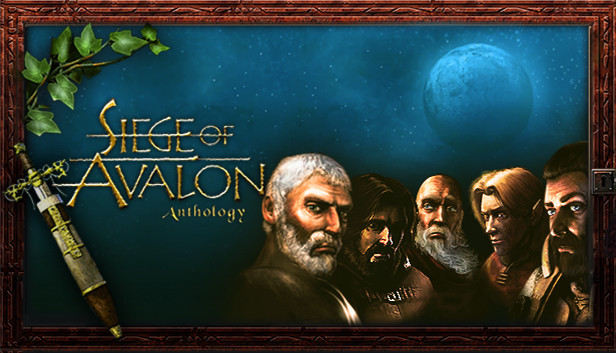
Siege of Avalon: Anthology

Siege of Avalon Anthology: How to Fix Crash On Startup (Not Launching)
Published on: April 16, 2021 by Robins Chew

In this guide i’m gonna show you how to fix your crash on startup   How to Fix Crash On Startup 1. Open Your Settings\Display\Graphic Settings 2. Choose “Classic App” 3. Locate and add Siege.exe from your game directory (game installation folder) 4. Click on Siege in graphic settings menu 5. Open Options Tab And … Read more

Search More

Useful Pages

Browse All Mobile Codes from A to Z
Browse All Game Guides from A to Z

What’s New?

  • MONGIL: STAR DIVE Controls: PC, Mobile, and Console
  • MONGIL: STAR DIVE Tier List: Best Characters Ranked!
  • MONGIL: STAR DIVE Codes for April 2026
  • The Final Evolution: Digi Tier List – Best Digimons
  • ZOO CITY Tier List: Best Characters Ranked
  • Home
  • Game Lists
  • Contact Us
  • Terms and Conditions
  • Privacy Policy
©Copyright 2018-2026 | GamePretty.com